A focused migration page
Remove.bg alternative for transparent PNGs
If your workflow is upload, cut out, review the edge and download, test ClearBG AI with a small sample. ClearBG AI is independent and is not affiliated with remove.bg or Canva.
Test your next transparent asset
Compare a small sample before moving a larger product or creator workflow.
Kostenlose lokale Vorschau. Der erste Modelldownload kann groß sein; danach kann der Browser den Cache wiederverwenden.
Melden Sie sich mit Verarbeitungsguthaben an, um eine Stapelwarteschlange zu erstellen und Ergebnisse herunterzuladen.
Sicherer Upload …
Kante vor dem Download prüfen
Bilder prüfen und herunterladen
Die Browser-Verarbeitung behält das Original auf Ihrem Gerät. Die Server-API lädt die ausgewählte Datei zur Verarbeitung hoch. Verwenden Sie eine klare Quelle und prüfen Sie Haare, Glas, dünne Linien und kontrastarme Kanten.
Original, Transparenz und eigene Hintergründe vergleichen
Wählen Sie den Dateityp, den Sie vorbereiten, und vergleichen Sie Quelle, transparenten Ausschnitt und einen sofort einsetzbaren Hintergrund. Für Compare a small sample before moving a larger product or creator workflow., die Kante ist der wichtigste Prüfpunkt.
Saubere Porträtausschnitte für Profile und Präsentationen
Prüfen Sie Haare, Schultern und Kleidungskanten, bevor Sie das Porträt in Profilen, Folien oder Social-Layouts verwenden.
Hintergrund eines Personenfotos entfernen
 Sanfte Profilfarbe
Produktfotos für Shop-Angebote vorbereiten
Prüfen Sie Griffe, Verpackungsecken und helle Produkte auf transparenten und weißen Vorschauen.
Hintergrund eines Produktfotos entfernen
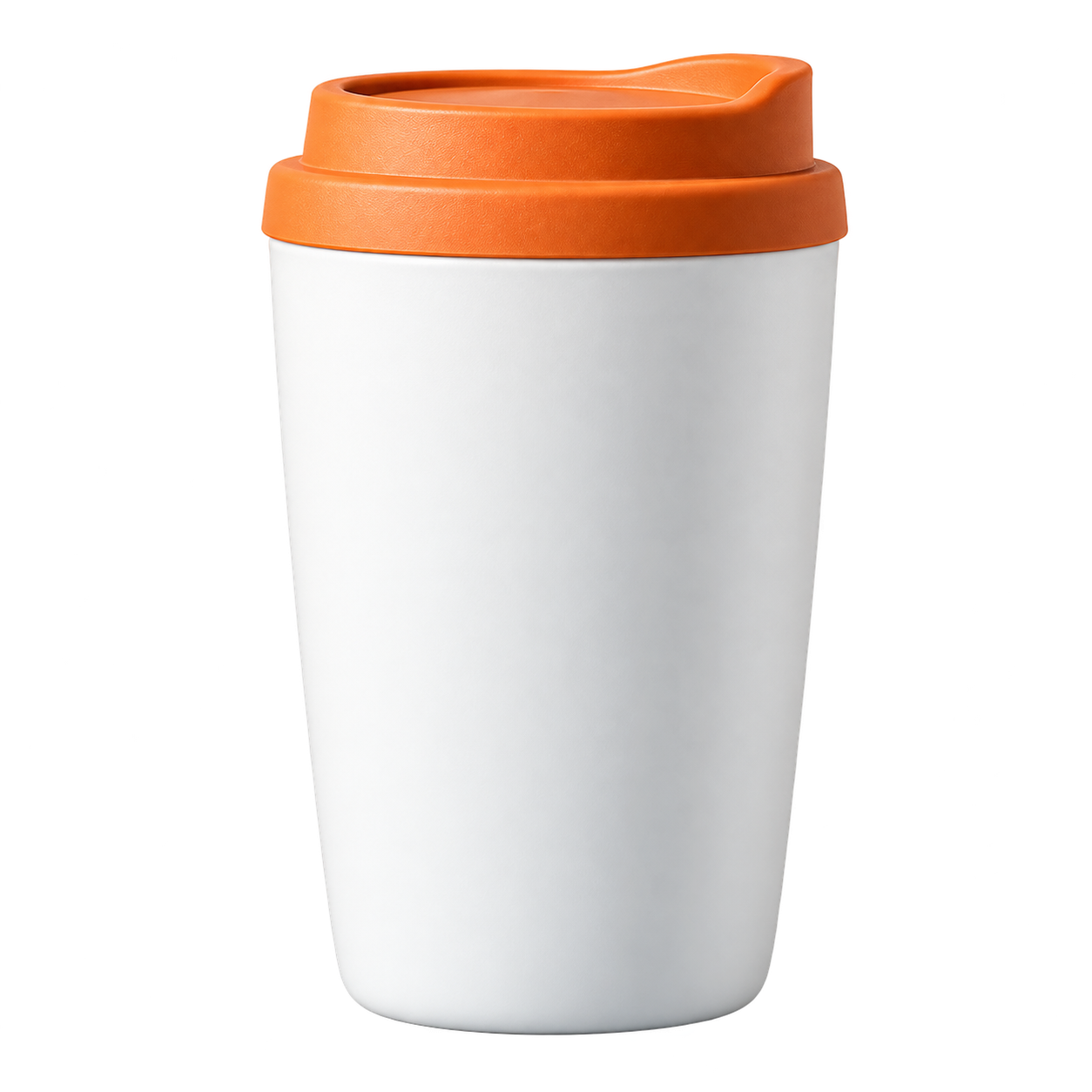 Katalogfarbe
Fell und Ohren im Ausschnitt erhalten
Verwenden Sie einen kontrastreichen Hintergrund, um Fell, Schnurrhaare und kleine Lücken zu prüfen.
Hintergrund eines Tierfotos entfernen
 Warmer Tierhintergrund
Food-Bilder leichter wiederverwenden
Trennen Sie Gerichte oder Zutaten für Menüs, Posts und Rezeptlayouts vom ursprünglichen Hintergrund.
Hintergrund eines Food-Fotos entfernen
 Menüfarbe
Logo-Grafiken als transparente Assets verwenden
Prüfen Sie Buchstabenränder, Symbole und dünne Markenlinien vor der Verwendung auf einer neuen Farbe.
Logo-Hintergrund entfernen
 Markenfarbe
Prepare the file, then review the result
Every page starts from the same practical decision: what are you preparing, what edge needs checking, and where will the exported copy go next?
- 01
Keep the original files and create copies for testing.
- 02
Use a sample with people, products, pets and difficult edges.
- 03
Compare transparent PNG output at the size your next tool receives.
Compare a background-removal workflow before switching
Use the answer that matches the file you are preparing, then open the tool when you are ready to test it.
What should you check in a remove.bg alternative?
A familiar upload flow is only the first check. Compare the actual edge, the downloaded file, the output format, the privacy boundary and the time needed for your common images.
A safer way to move a background-removal workflow
- Keep the original files and create copies for testing.
- Use a sample with people, products, pets and difficult edges.
- Compare transparent PNG output at the size your next tool receives.
- Confirm the provider boundary and output format before moving a larger workflow.
Where ClearBG AI fits
ClearBG AI is a focused background-removal tool. It covers image PNG delivery, member image batches and short video conversion through browser or API routes. It does not claim to replace a full design editor, catalog manager or every high-resolution workflow.
Independent product, clear boundaries
ClearBG AI does not use remove.bg or Canva branding, and it does not claim an affiliation with either company. The goal is to make the replacement decision easy to test with real files.
Häufig gestellte Fragen
Kurze Antworten zu Formaten, Datenschutz, Ausgabe und Kantenqualität.
What is a good remove.bg alternative?
The right alternative depends on your output, privacy and volume needs. ClearBG AI is built for transparent PNG delivery and short video background-removal jobs.
Is ClearBG AI affiliated with remove.bg or Canva?
No. ClearBG AI is an independent project.
Can I use this as a bulk image background remover?
Signed-in paid members can process a batch of up to 20 images with per-file results, retry and ZIP download. Test a small representative sample before moving a larger catalog workflow.
How should I compare two background-removal tools?
Use the same representative files, compare the downloaded edges and formats, and record privacy, speed and failure behavior instead of judging only the preview.
Is a browser-first tool enough for a production workflow?
It can be a useful first step for smaller workflows. Test volume, difficult edges and the final delivery path before moving a full catalog.