A focused migration page
Remove.bg alternative for transparent PNGs
If your workflow is upload, cut out, review the edge and download, test ClearBG AI with a small sample. ClearBG AI is independent and is not affiliated with remove.bg or Canva.
Test your next transparent asset
Compare a small sample before moving a larger product or creator workflow.
Vista previa local gratis. La primera descarga del modelo puede ser grande; después el navegador puede reutilizar la caché.
Inicia sesión con créditos para crear una cola por lotes y descargar cada resultado.
Subiendo de forma segura…
Revisa el borde antes de descargar
Revisa y descarga tus imágenes
El procesamiento en navegador mantiene el original en tu dispositivo. La API del servidor sube el archivo seleccionado al proveedor configurado. Usa una fuente clara y revisa pelo, cristal, líneas finas y bordes con poco contraste.
Compara el original, la transparencia y tus fondos
Empieza por el tipo de archivo que estás preparando y compara el original, el recorte transparente y un fondo listo para usar. Para Compare a small sample before moving a larger product or creator workflow., el borde es lo más importante que debes revisar.
Recortes de retrato para perfiles y presentaciones
Revisa pelo, hombros y ropa antes de colocar el retrato en un perfil, diapositiva o diseño social.
Quitar fondo de una foto de persona
 Color suave de perfil
Prepara fotos de producto para tu tienda
Comprueba asas, esquinas del envase y productos claros sobre vistas transparentes y blancas.
Quitar fondo de una foto de producto
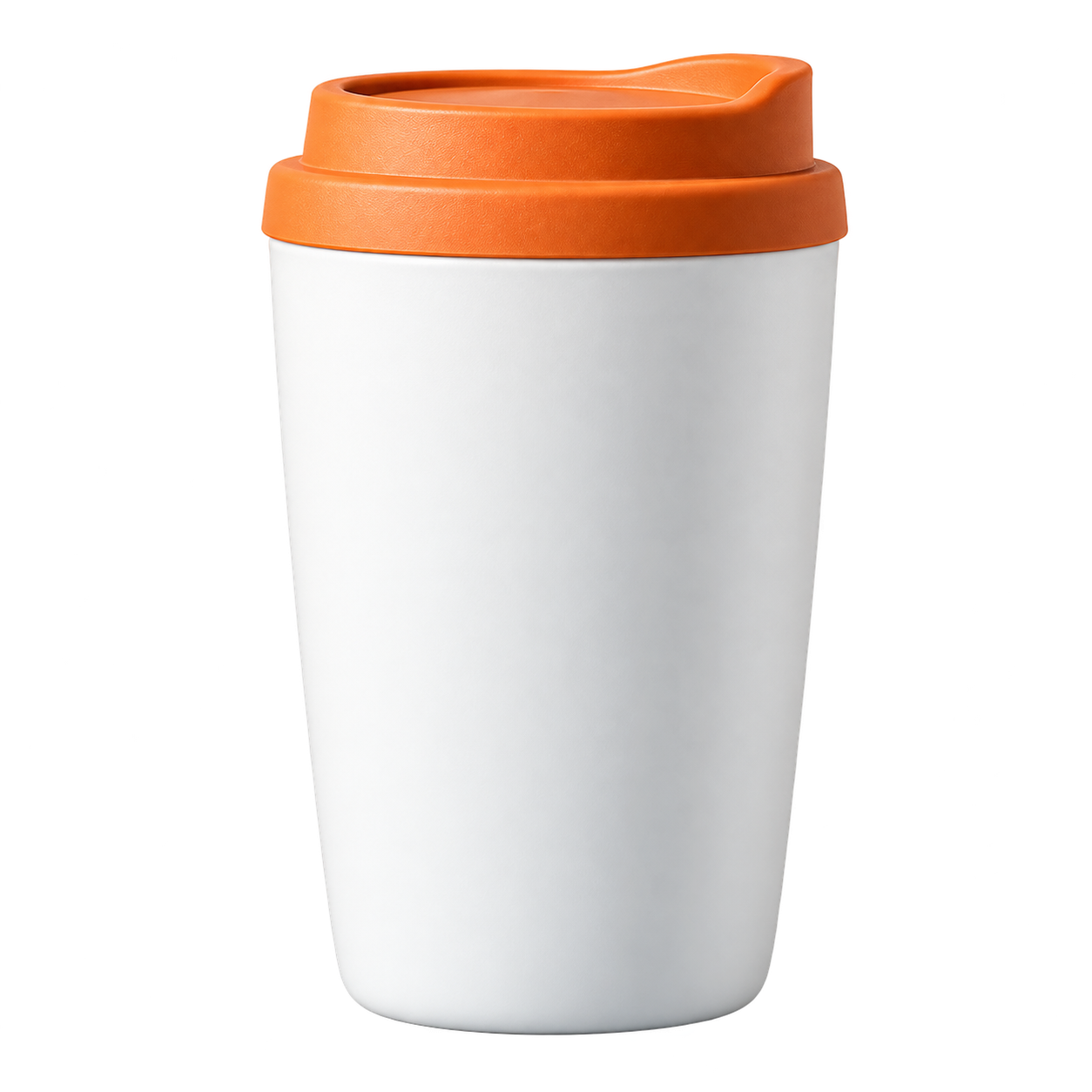 Color de catálogo
Conserva el pelo y las orejas
Usa un fondo con contraste para revisar pelo, bigotes y pequeños huecos alrededor del sujeto.
Quitar fondo de una foto de mascota
 Fondo cálido para mascotas
Reutiliza mejor las imágenes de comida
Separa un plato o ingrediente de la escena para menús, publicaciones y recetas.
Quitar fondo de una foto de comida
 Color para menú
Convierte un logotipo en un recurso transparente
Revisa bordes de letras, iconos y líneas finas antes de colocarlo sobre un color o diseño nuevo.
Quitar fondo de un logotipo
 Color de marca
Prepare the file, then review the result
Every page starts from the same practical decision: what are you preparing, what edge needs checking, and where will the exported copy go next?
- 01
Keep the original files and create copies for testing.
- 02
Use a sample with people, products, pets and difficult edges.
- 03
Compare transparent PNG output at the size your next tool receives.
Compare a background-removal workflow before switching
Use the answer that matches the file you are preparing, then open the tool when you are ready to test it.
What should you check in a remove.bg alternative?
A familiar upload flow is only the first check. Compare the actual edge, the downloaded file, the output format, the privacy boundary and the time needed for your common images.
A safer way to move a background-removal workflow
- Keep the original files and create copies for testing.
- Use a sample with people, products, pets and difficult edges.
- Compare transparent PNG output at the size your next tool receives.
- Confirm the provider boundary and output format before moving a larger workflow.
Where ClearBG AI fits
ClearBG AI is a focused background-removal tool. It covers image PNG delivery, member image batches and short video conversion through browser or API routes. It does not claim to replace a full design editor, catalog manager or every high-resolution workflow.
Independent product, clear boundaries
ClearBG AI does not use remove.bg or Canva branding, and it does not claim an affiliation with either company. The goal is to make the replacement decision easy to test with real files.
Preguntas frecuentes
Respuestas breves sobre formatos, privacidad, salida y calidad de los bordes.
What is a good remove.bg alternative?
The right alternative depends on your output, privacy and volume needs. ClearBG AI is built for transparent PNG delivery and short video background-removal jobs.
Is ClearBG AI affiliated with remove.bg or Canva?
No. ClearBG AI is an independent project.
Can I use this as a bulk image background remover?
Signed-in paid members can process a batch of up to 20 images with per-file results, retry and ZIP download. Test a small representative sample before moving a larger catalog workflow.
How should I compare two background-removal tools?
Use the same representative files, compare the downloaded edges and formats, and record privacy, speed and failure behavior instead of judging only the preview.
Is a browser-first tool enough for a production workflow?
It can be a useful first step for smaller workflows. Test volume, difficult edges and the final delivery path before moving a full catalog.