Image translation
Translate text inside an image
Upload a clear product label, packaging photo or screenshot, choose a target language, and download a translated image with the text placed back into the original layout.
Keep the layout. Change the language.
The source language is detected automatically. Use clear printed text and proofread names, prices, units, warnings and legal copy before publishing.
Uploading securely…
Review and download your images
The source image is sent to ClearBG AI and the configured Volcengine image-translation API. A completed translation uses 3 credits, which is 1 more than Enhance. Proofread product names, prices, units, warnings and legal text before publishing.
Workflow zum Entfernen des Hintergrunds auswählen
Original, Transparenz und eigene Hintergründe vergleichen
Wählen Sie den Dateityp, den Sie vorbereiten, und vergleichen Sie Quelle, transparenten Ausschnitt und einen sofort einsetzbaren Hintergrund. Für The source language is detected automatically. Use clear printed text and proofread names, prices, units, warnings and legal copy before publishing., die Kante ist der wichtigste Prüfpunkt.
Saubere Porträtausschnitte für Profile und Präsentationen
Prüfen Sie Haare, Schultern und Kleidungskanten, bevor Sie das Porträt in Profilen, Folien oder Social-Layouts verwenden.
Hintergrund eines Personenfotos entfernen
 Sanfte Profilfarbe
Produktfotos für Shop-Angebote vorbereiten
Prüfen Sie Griffe, Verpackungsecken und helle Produkte auf transparenten und weißen Vorschauen.
Hintergrund eines Produktfotos entfernen
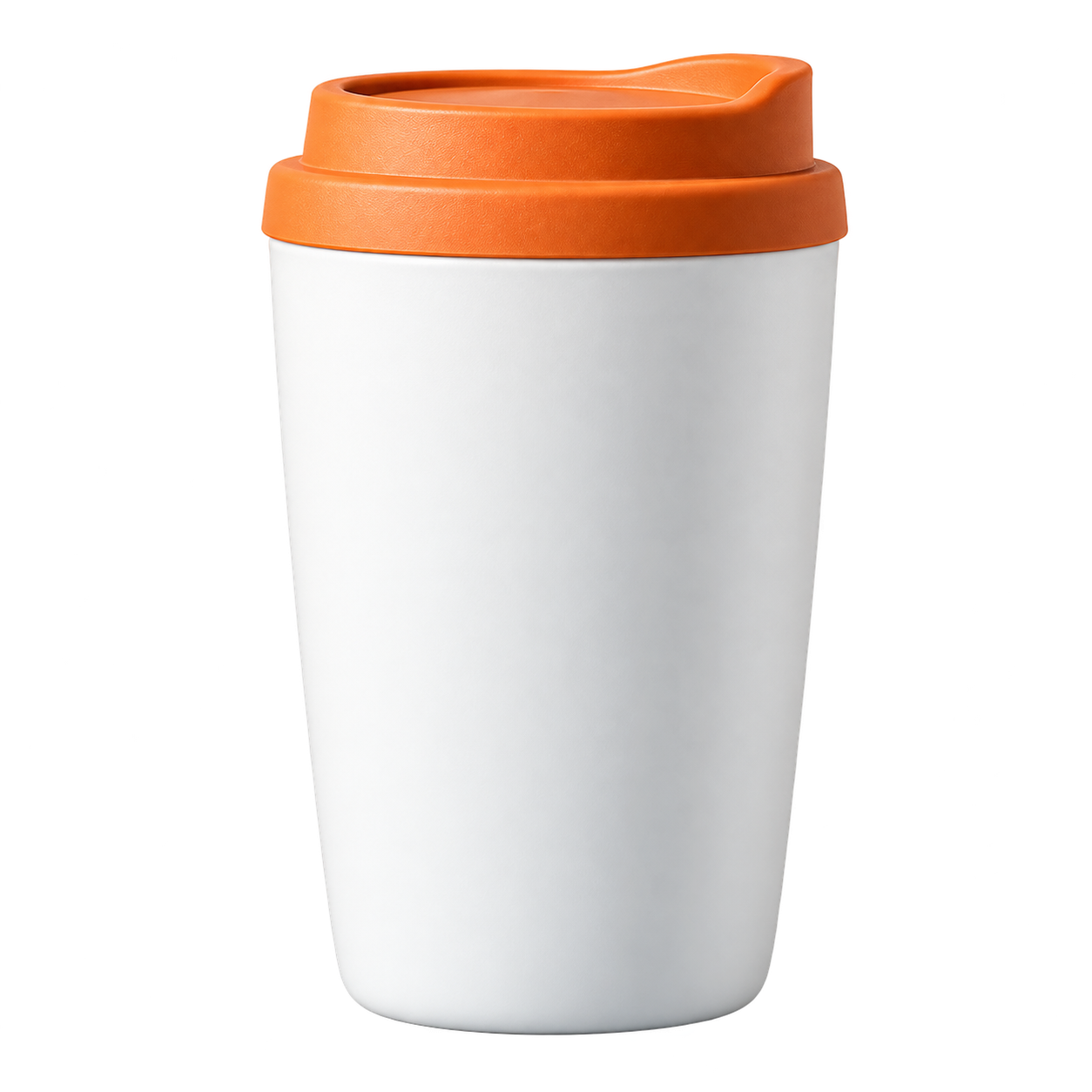 Katalogfarbe
Fell und Ohren im Ausschnitt erhalten
Verwenden Sie einen kontrastreichen Hintergrund, um Fell, Schnurrhaare und kleine Lücken zu prüfen.
Hintergrund eines Tierfotos entfernen
 Warmer Tierhintergrund
Food-Bilder leichter wiederverwenden
Trennen Sie Gerichte oder Zutaten für Menüs, Posts und Rezeptlayouts vom ursprünglichen Hintergrund.
Hintergrund eines Food-Fotos entfernen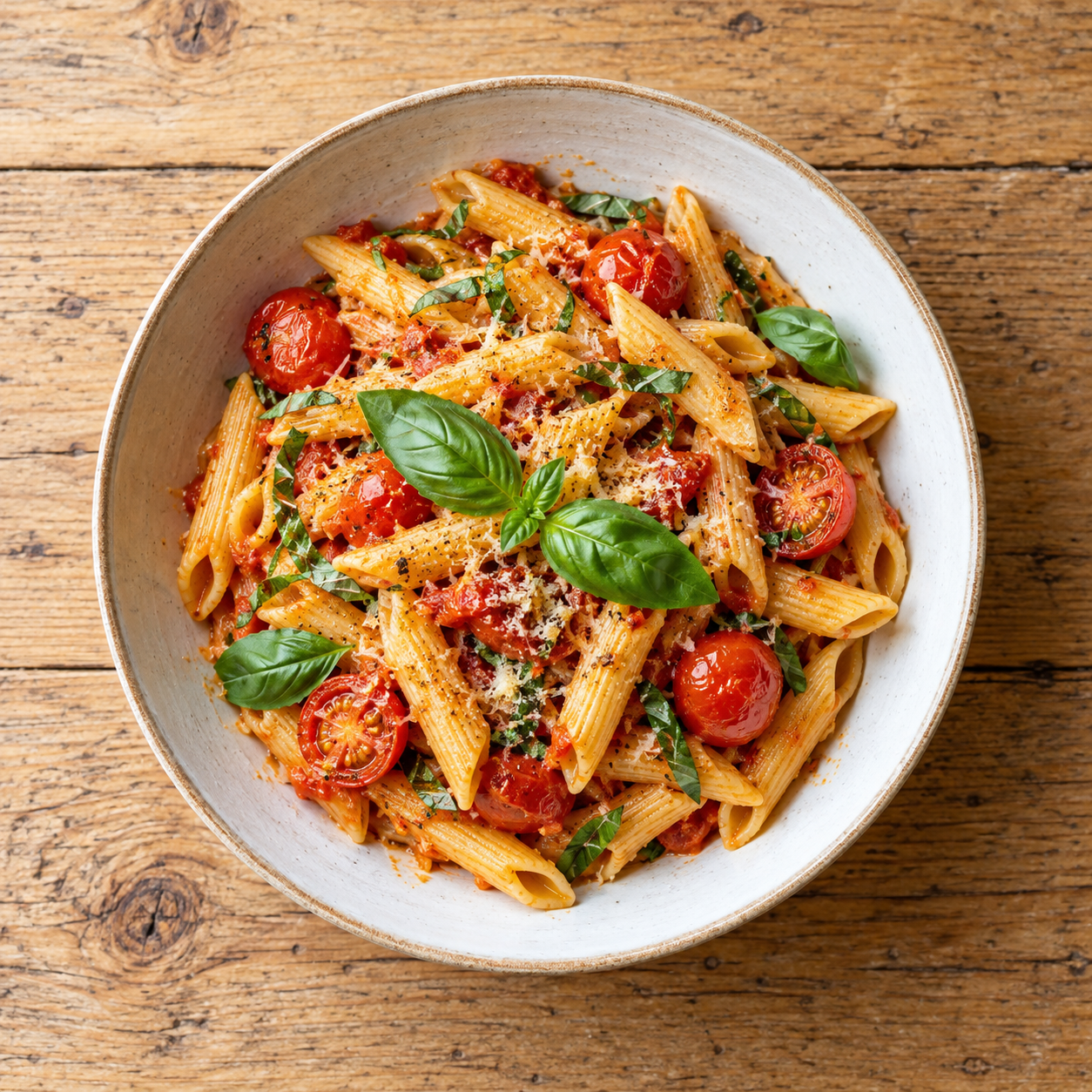
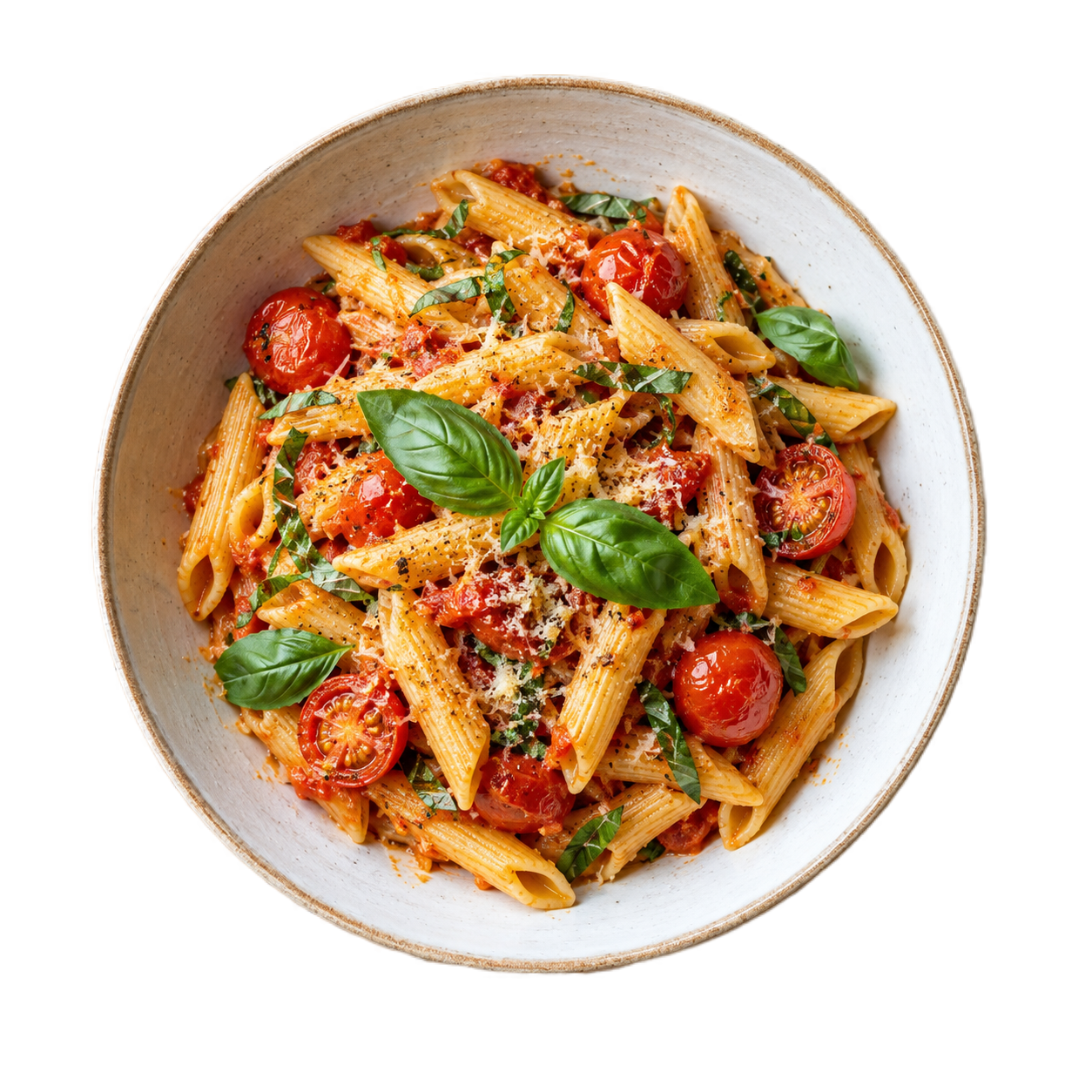 Menüfarbe
Logo-Grafiken als transparente Assets verwenden
Prüfen Sie Buchstabenränder, Symbole und dünne Markenlinien vor der Verwendung auf einer neuen Farbe.
Logo-Hintergrund entfernen
 Markenfarbe
Questions people ask about image translation online
Use the answer that matches the file you are preparing, then open the tool when you are ready to test it.
Good inputs for image translation
Use a clear JPG or PNG with printed text, such as a product label, package, menu, sign or screenshot. The current provider route accepts files up to 4 MB and 4096×4096 pixels. Handwriting, blur, glare and decorative fonts can reduce recognition quality.
A separate workflow from Product Studio
Product Studio prepares cutouts and canvas exports. Image translation focuses on readable text and returns a translated image, so you can review language quality before placing the result into a listing or campaign.
Review before publishing
- Upload a JPG or PNG with clear printed text.
- Choose the target language.
- Compare the translated labels, numbers, units and warnings with the source.
- Download only after a human review of important product information.
Häufig gestellte Fragen
Kurze Antworten zu Formaten, Datenschutz, Ausgabe und Kantenqualität.
Which image formats are supported?
The provider route accepts JPG and PNG images up to 4 MB and 4096×4096 pixels.
Does the tool detect the source language?
Yes. The source language is detected automatically; you only choose the target language in this workflow.
Can it translate handwritten text?
Handwriting is not a supported quality target. Clear printed text is the reliable input; review every result before publishing.
How are image translation credits charged?
A completed translation uses 3 ClearBG credits. Failed provider requests are not recorded as completed output. Member batches can contain up to 20 images when the account has enough credits.
Erst prüfen. Nur zahlen, wenn die Ausgabe überzeugt.
ClearBG AI keeps the workflow simple: choose a processing path, upload a file, review the edge and download the result. Browser processing is free and local-first; Server API processing is available when you need provider delivery, stronger output or automated capacity, with the privacy and cost boundary shown before processing.