Food photo background remover
Remove background from a food photo online
Separate a dish, ingredient or plated meal from the original scene for a menu, recipe card or social post. Check the plate edge, steam and small details before saving a transparent PNG.
Create a reusable food photo cutout
Remove the original scene and review the plate, garnish and soft edges before placing the image in a menu or post.
Vista previa local gratis. La primera descarga del modelo puede ser grande; después el navegador puede reutilizar la caché.
Inicia sesión con créditos para crear una cola por lotes y descargar cada resultado.
Subiendo de forma segura…
Revisa el borde antes de descargar
Revisa y descarga tus imágenes
El procesamiento en navegador mantiene el original en tu dispositivo. La API del servidor sube el archivo seleccionado al proveedor configurado. Usa una fuente clara y revisa pelo, cristal, líneas finas y bordes con poco contraste.
Compara el original, la transparencia y tus fondos
Empieza por el tipo de archivo que estás preparando y compara el original, el recorte transparente y un fondo listo para usar. Para one dish or ingredient photo, el borde es lo más importante que debes revisar.
Recortes de retrato para perfiles y presentaciones
Revisa pelo, hombros y ropa antes de colocar el retrato en un perfil, diapositiva o diseño social.
Quitar fondo de una foto de persona
 Color suave de perfil
Prepara fotos de producto para tu tienda
Comprueba asas, esquinas del envase y productos claros sobre vistas transparentes y blancas.
Quitar fondo de una foto de producto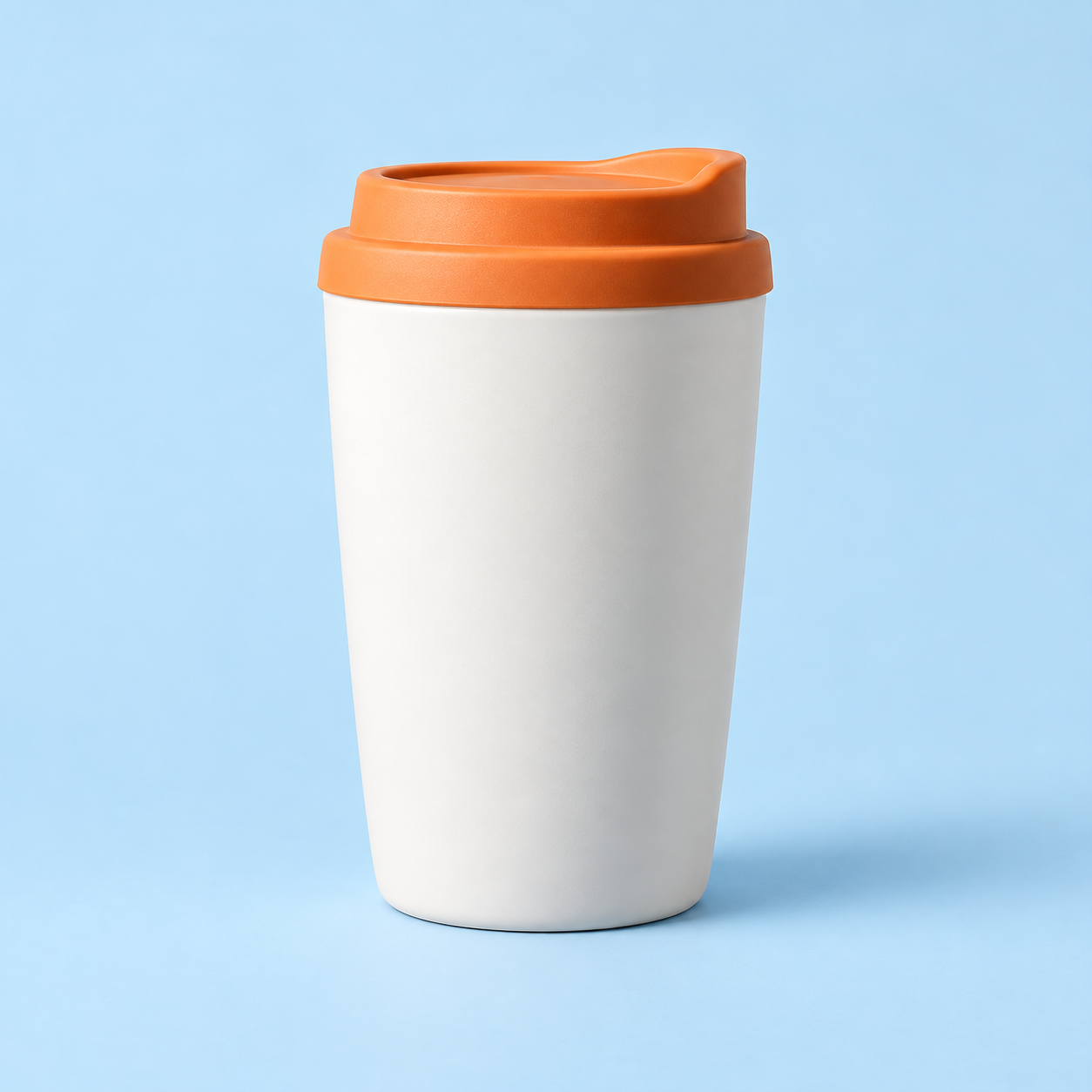
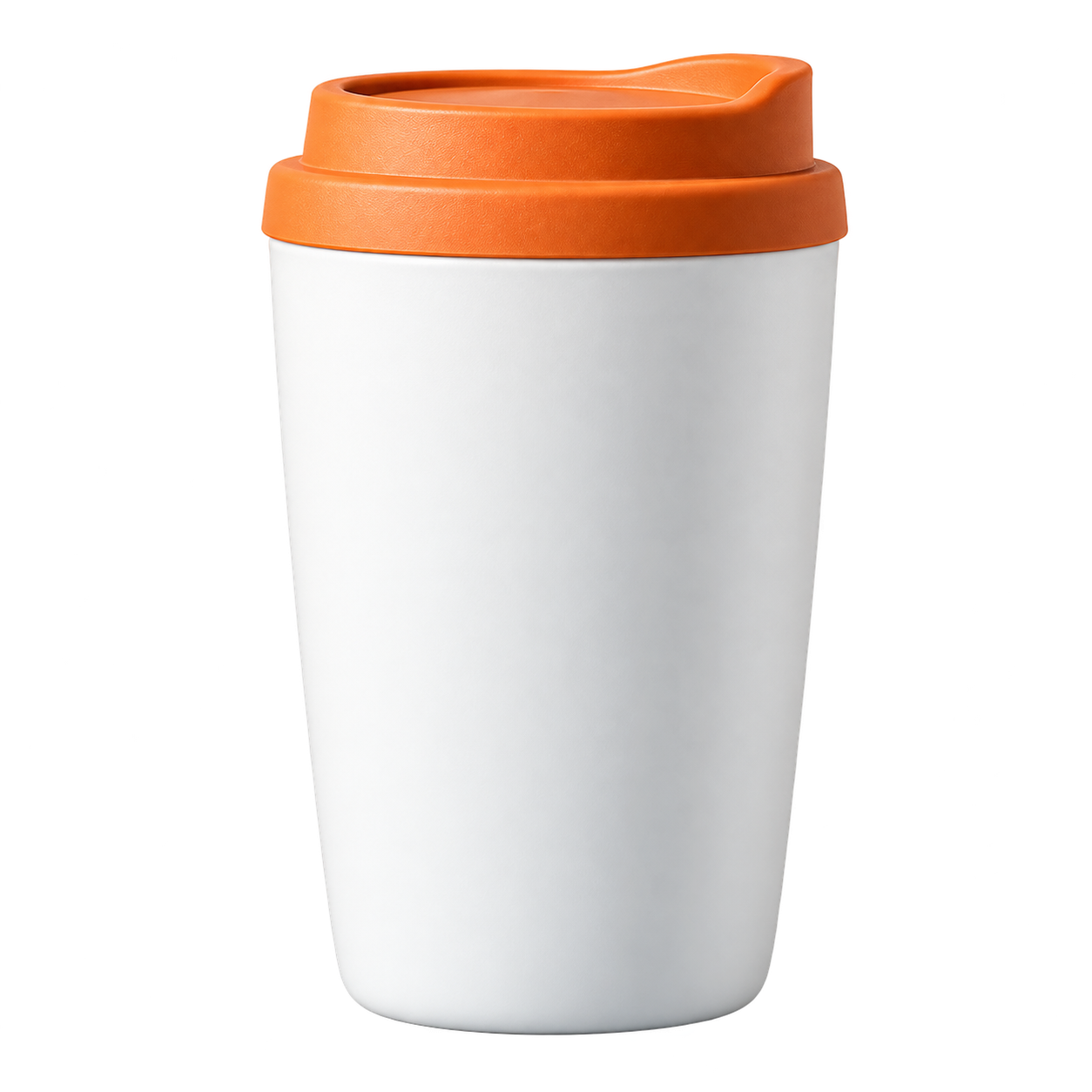 Color de catálogo
Conserva el pelo y las orejas
Usa un fondo con contraste para revisar pelo, bigotes y pequeños huecos alrededor del sujeto.
Quitar fondo de una foto de mascota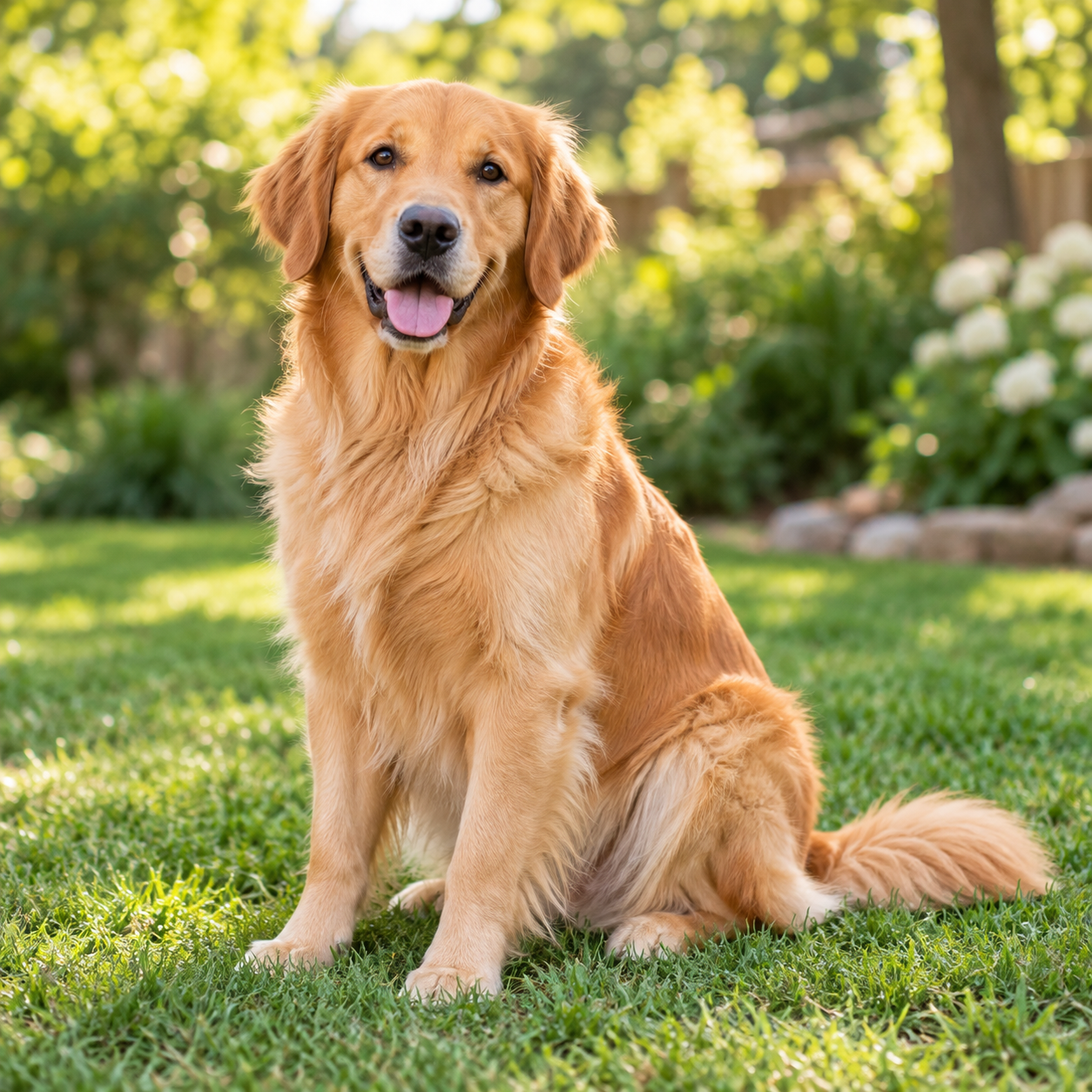
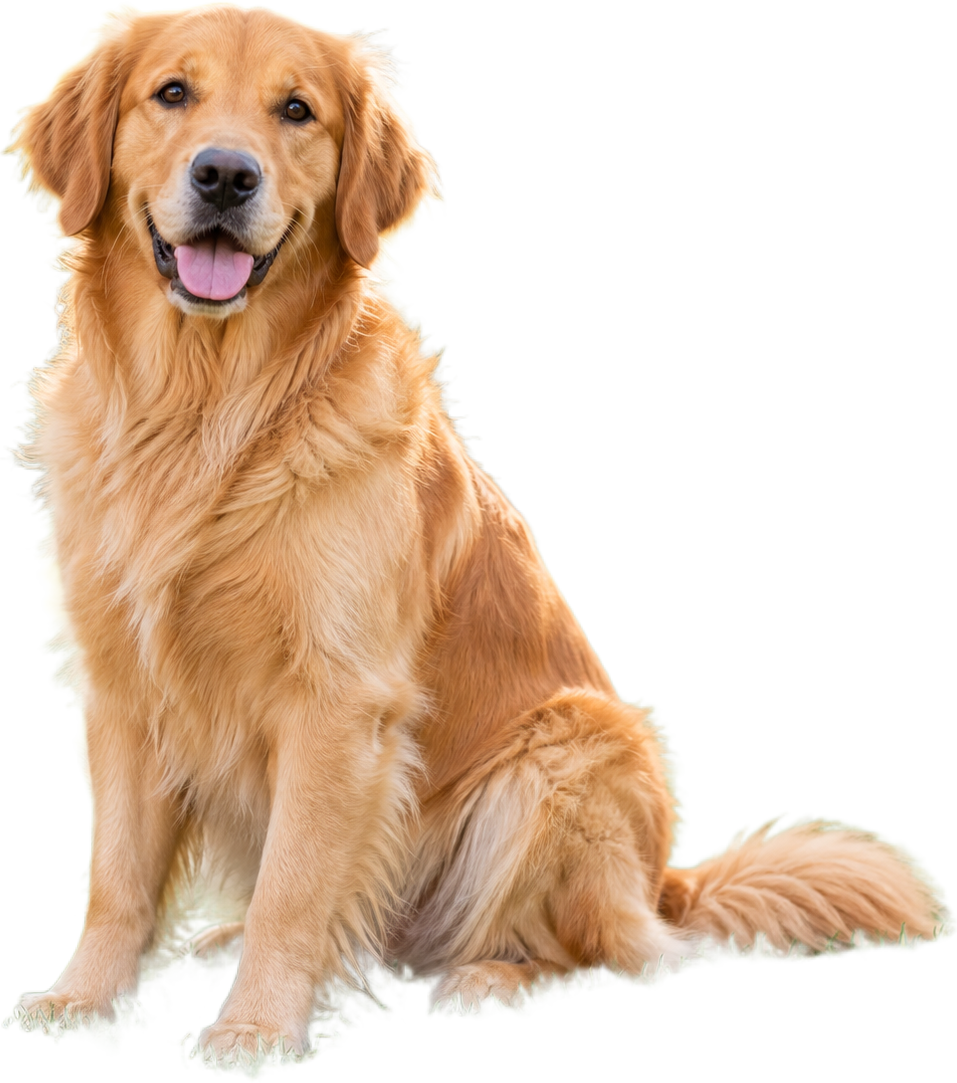 Fondo cálido para mascotas
Reutiliza mejor las imágenes de comida
Separa un plato o ingrediente de la escena para menús, publicaciones y recetas.
Quitar fondo de una foto de comida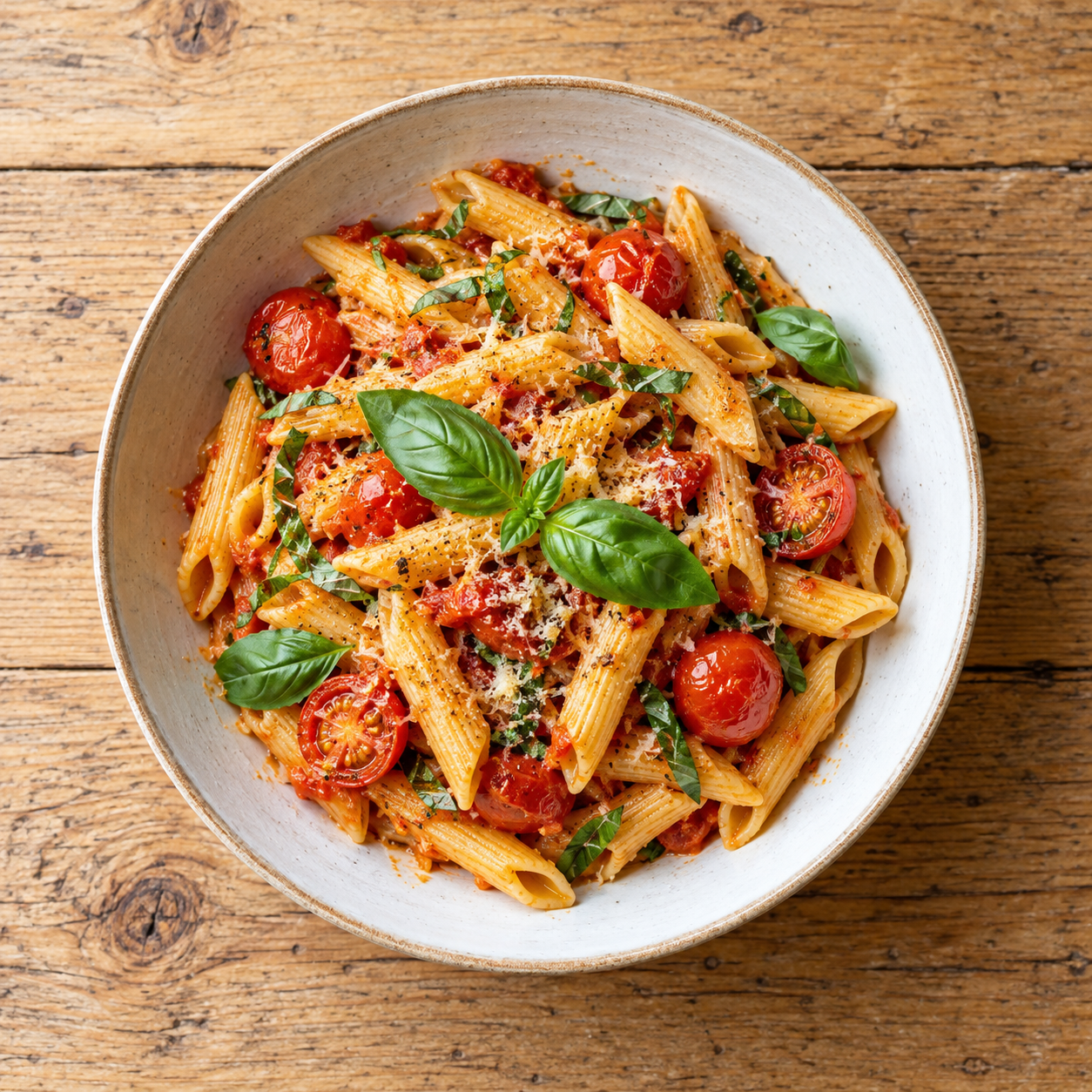
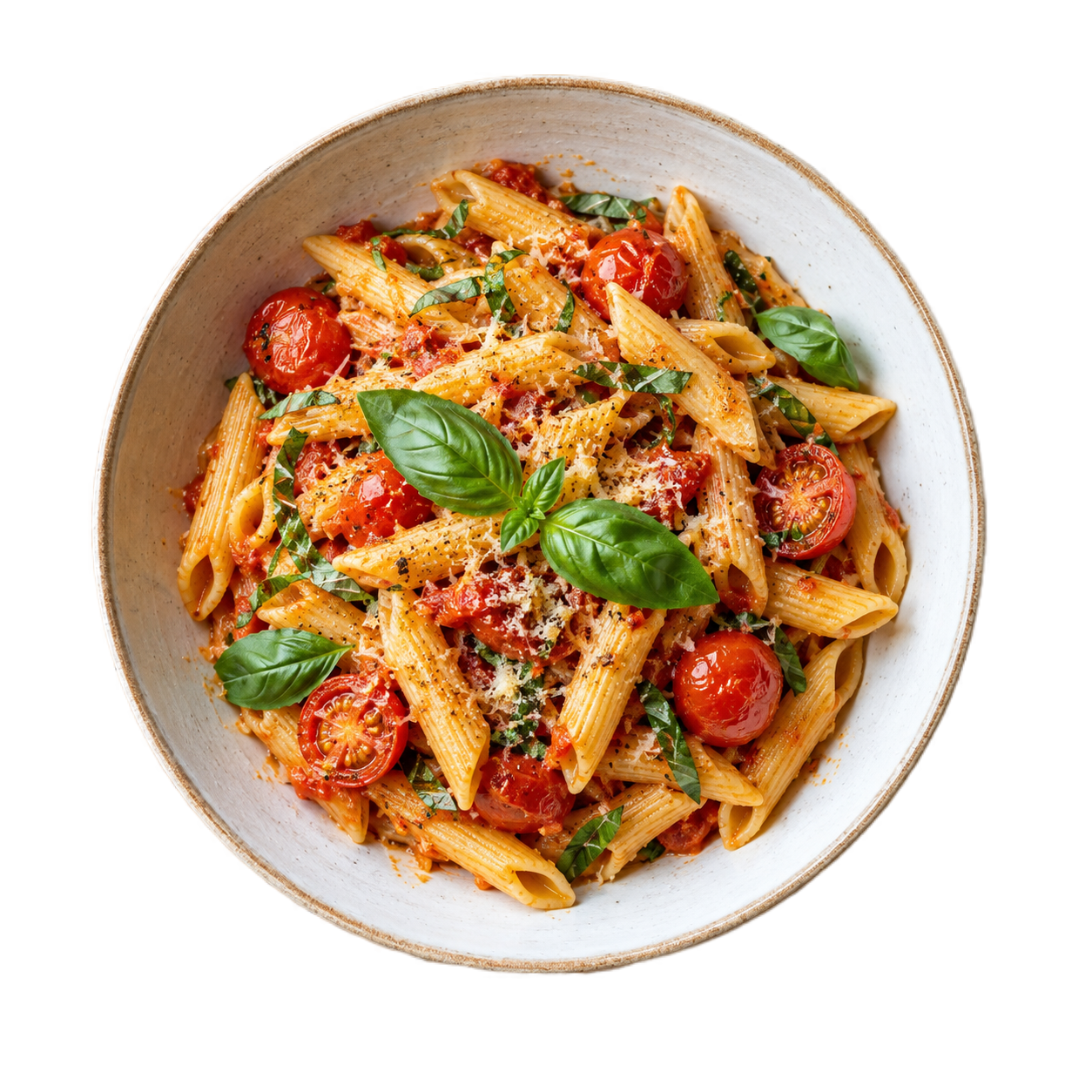 Color para menú
Convierte un logotipo en un recurso transparente
Revisa bordes de letras, iconos y líneas finas antes de colocarlo sobre un color o diseño nuevo.
Quitar fondo de un logotipo
 Color de marca
Prepare the file, then review the result
Every page starts from the same practical decision: what are you preparing, what edge needs checking, and where will the exported copy go next?
- 01
Upload a clear copy of the dish or ingredient photo.
- 02
Run the browser background-removal preview.
- 03
Check the plate, garnish, steam and small food edges.
How to remove a food photo background
Use the answer that matches the file you are preparing, then open the tool when you are ready to test it.
How to remove the background from a food photo
- Upload a clear copy of the dish or ingredient photo.
- Run the browser background-removal preview.
- Check the plate, garnish, steam and small food edges.
- Choose a transparent or custom-color preview before downloading.
Why food photos need an edge check
Plates, bowls, steam and sauces can blend into a table or a similar-color background. Switch between light and dark previews to catch missing edges and halos before using the cutout.
Can I use the cutout in a menu or recipe post?
Yes, when the crop and edge fit the design. Keep the original photo, download a transparent PNG and add typography, shadows or a new scene in the next editing step.
Preguntas frecuentes
Respuestas breves sobre formatos, privacidad, salida y calidad de los bordes.
Can I remove the background from a dish photo?
Yes. A clearly separated dish or ingredient is a good test, but inspect the plate edge, garnish and soft details before download.
Can I make a food photo transparent?
Upload the image, run background removal and download the transparent PNG after checking the cutout on a light and dark preview.
Will the tool remove steam or smoke perfectly?
Soft translucent details can be difficult for any first-pass mask. Treat the browser result as a preview and inspect steam, smoke and fine garnish closely.
Can I use a food cutout on a menu background?
Yes. Keep the transparent PNG as a reusable master, then place it on the menu background and check the final crop and scale.
How do I see a pale plate edge?
Switch to a dark preview background and zoom into the plate or bowl outline. Contrast makes light halos and missing edges easier to spot.