Image translation
Translate text inside an image
Upload a clear product label, packaging photo or screenshot, choose a target language, and download a translated image with the text placed back into the original layout.
Keep the layout. Change the language.
The source language is detected automatically. Use clear printed text and proofread names, prices, units, warnings and legal copy before publishing.
Uploading securely…
Review and download your images
The source image is sent to ClearBG AI and the configured Volcengine image-translation API. A completed translation uses 3 credits, which is 1 more than Enhance. Proofread product names, prices, units, warnings and legal text before publishing.
Elige el flujo para quitar el fondo
Compara el original, la transparencia y tus fondos
Empieza por el tipo de archivo que estás preparando y compara el original, el recorte transparente y un fondo listo para usar. Para The source language is detected automatically. Use clear printed text and proofread names, prices, units, warnings and legal copy before publishing., el borde es lo más importante que debes revisar.
Recortes de retrato para perfiles y presentaciones
Revisa pelo, hombros y ropa antes de colocar el retrato en un perfil, diapositiva o diseño social.
Quitar fondo de una foto de persona
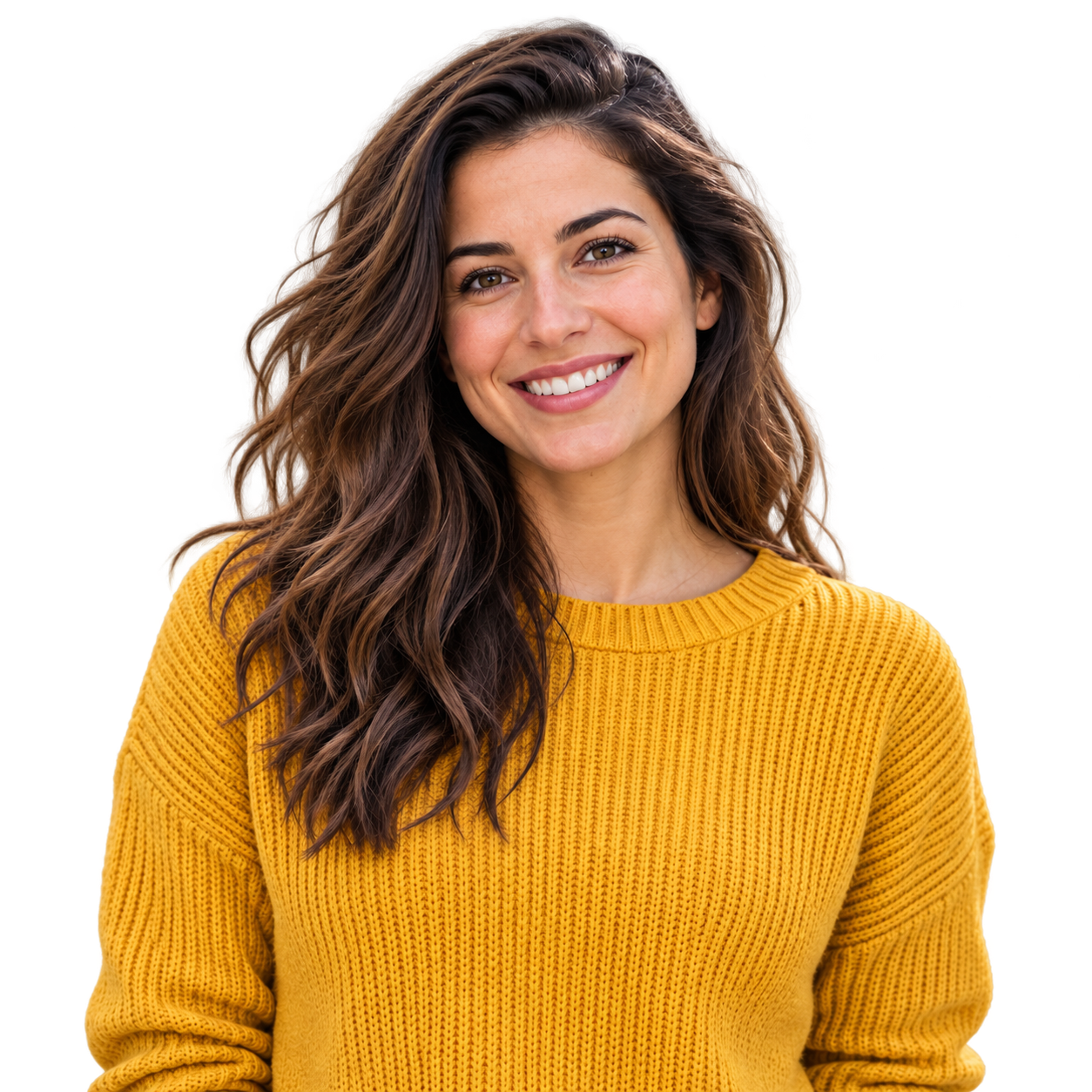 Color suave de perfil
Prepara fotos de producto para tu tienda
Comprueba asas, esquinas del envase y productos claros sobre vistas transparentes y blancas.
Quitar fondo de una foto de producto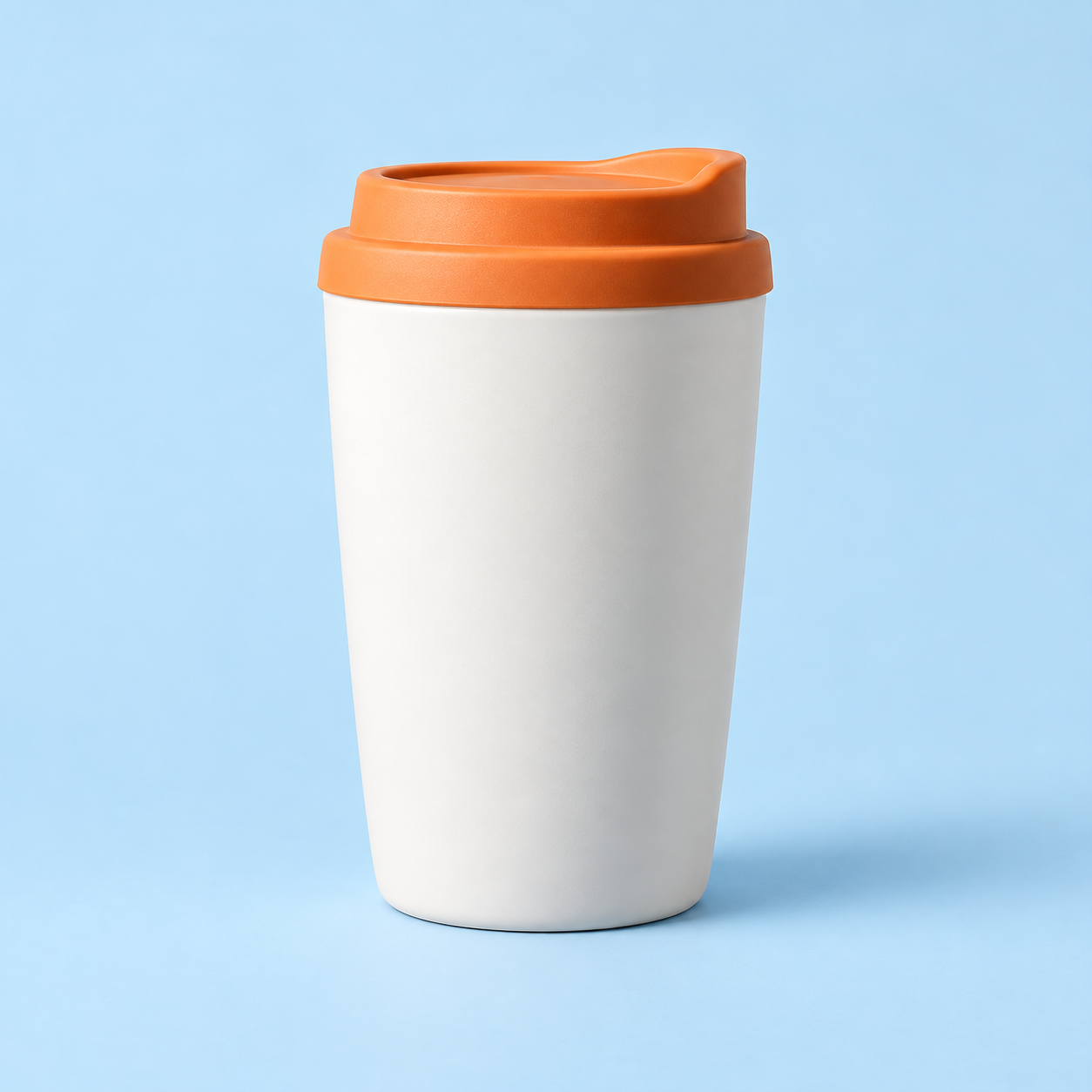
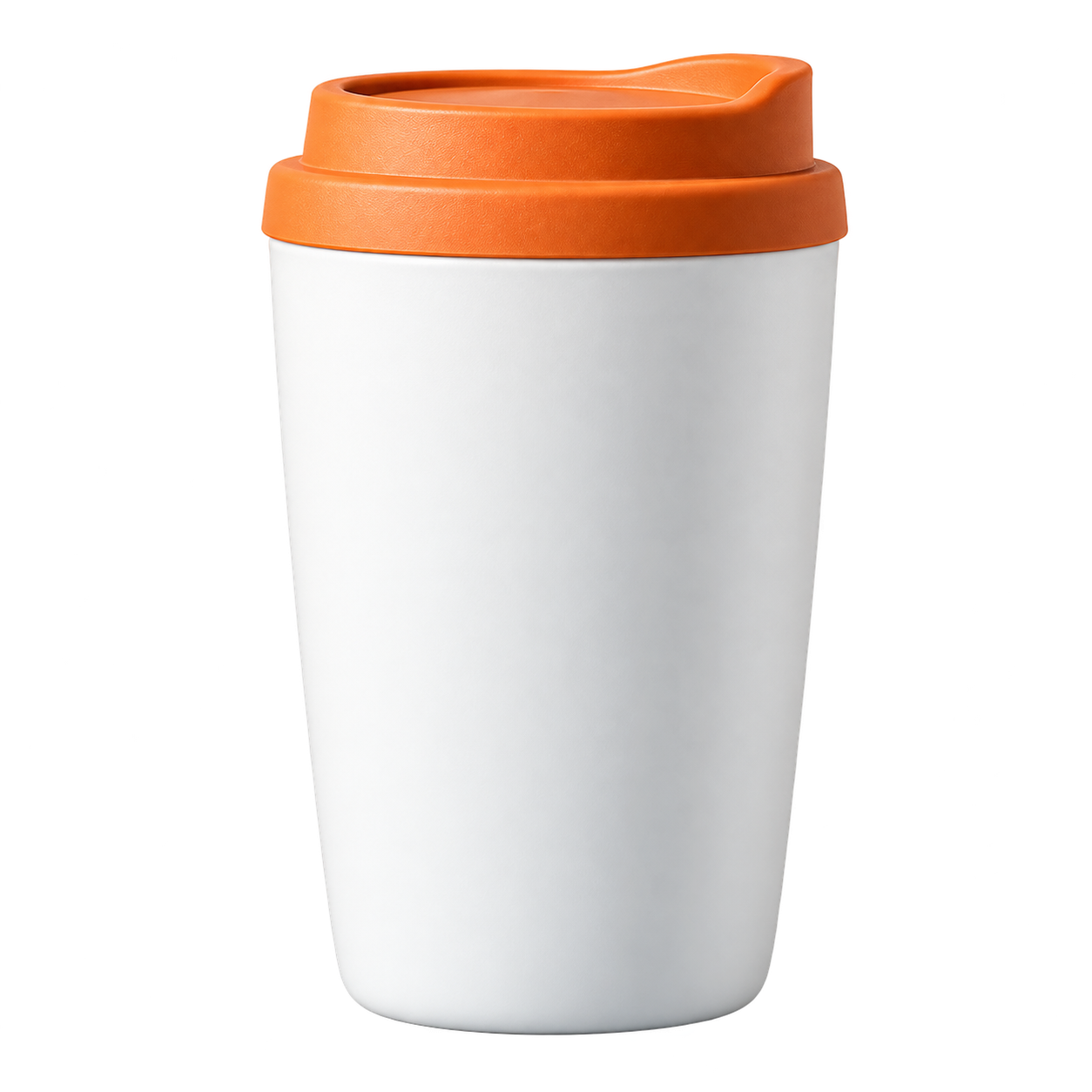 Color de catálogo
Conserva el pelo y las orejas
Usa un fondo con contraste para revisar pelo, bigotes y pequeños huecos alrededor del sujeto.
Quitar fondo de una foto de mascota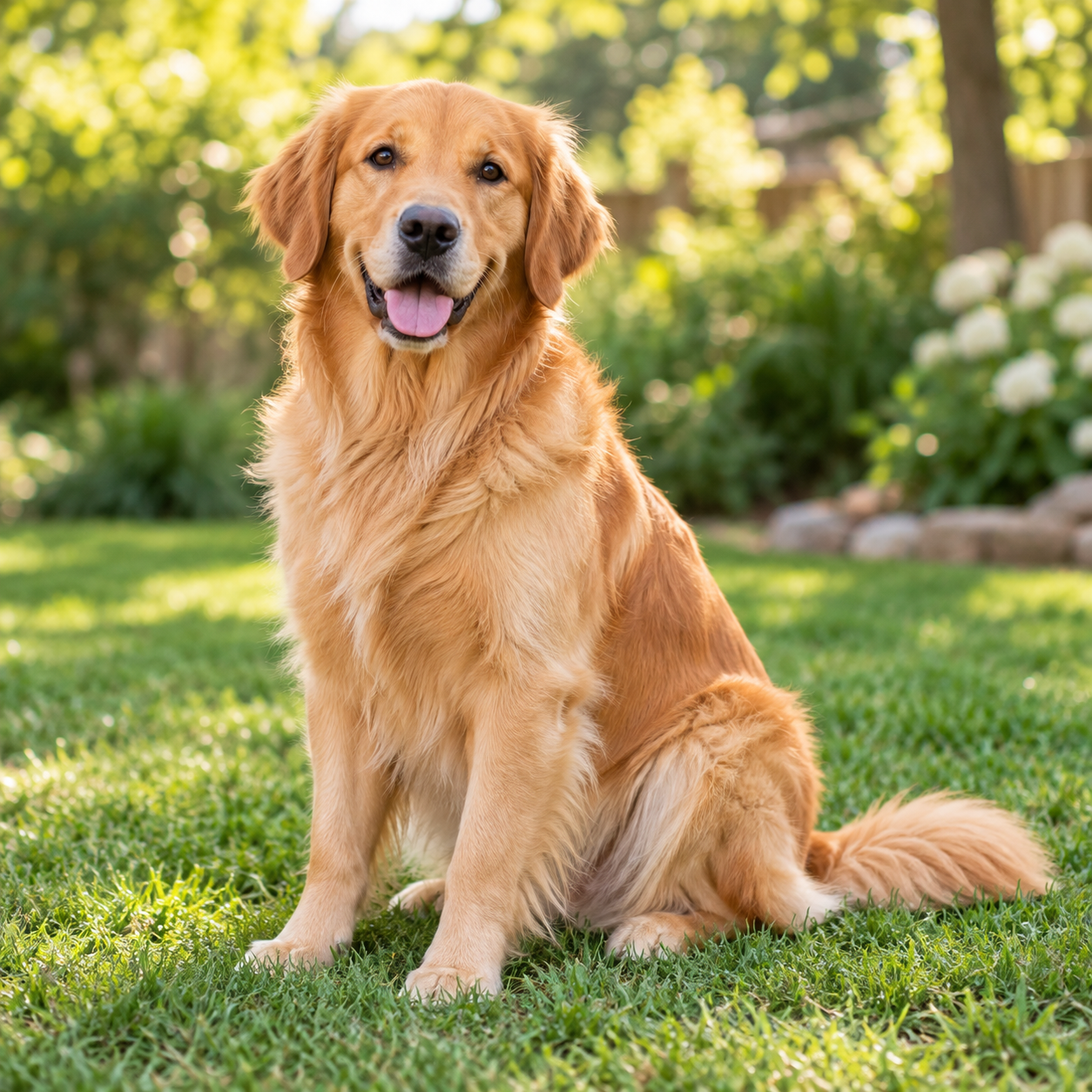
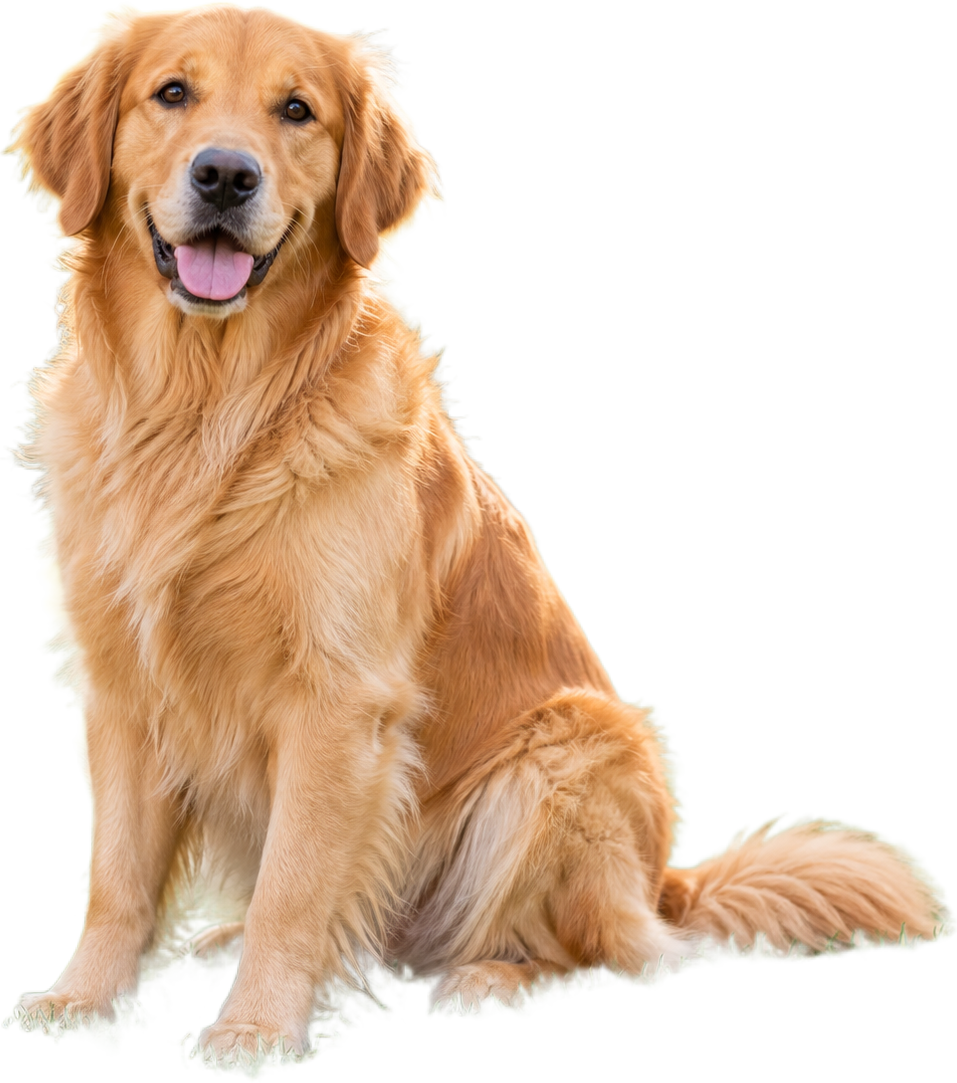 Fondo cálido para mascotas
Reutiliza mejor las imágenes de comida
Separa un plato o ingrediente de la escena para menús, publicaciones y recetas.
Quitar fondo de una foto de comida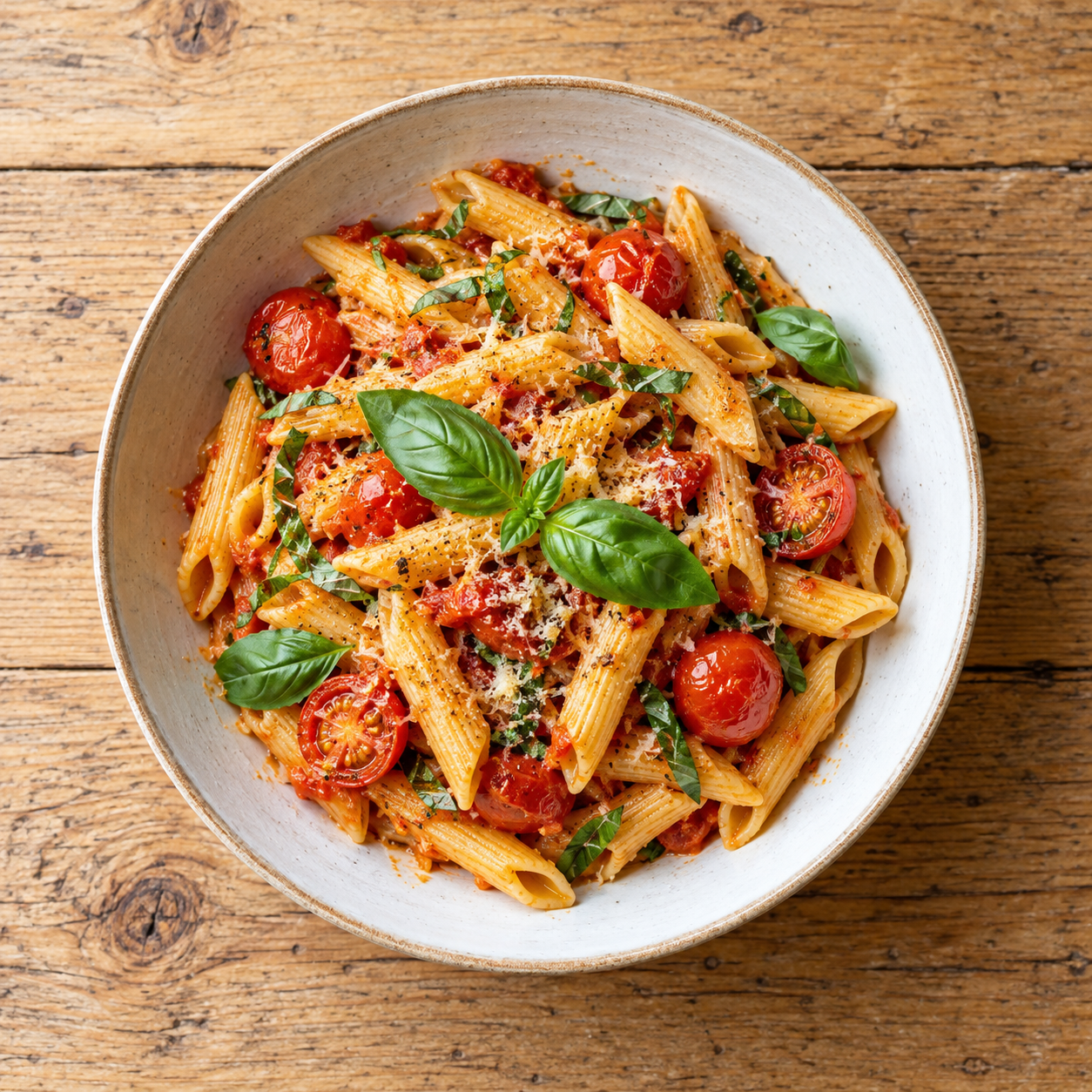
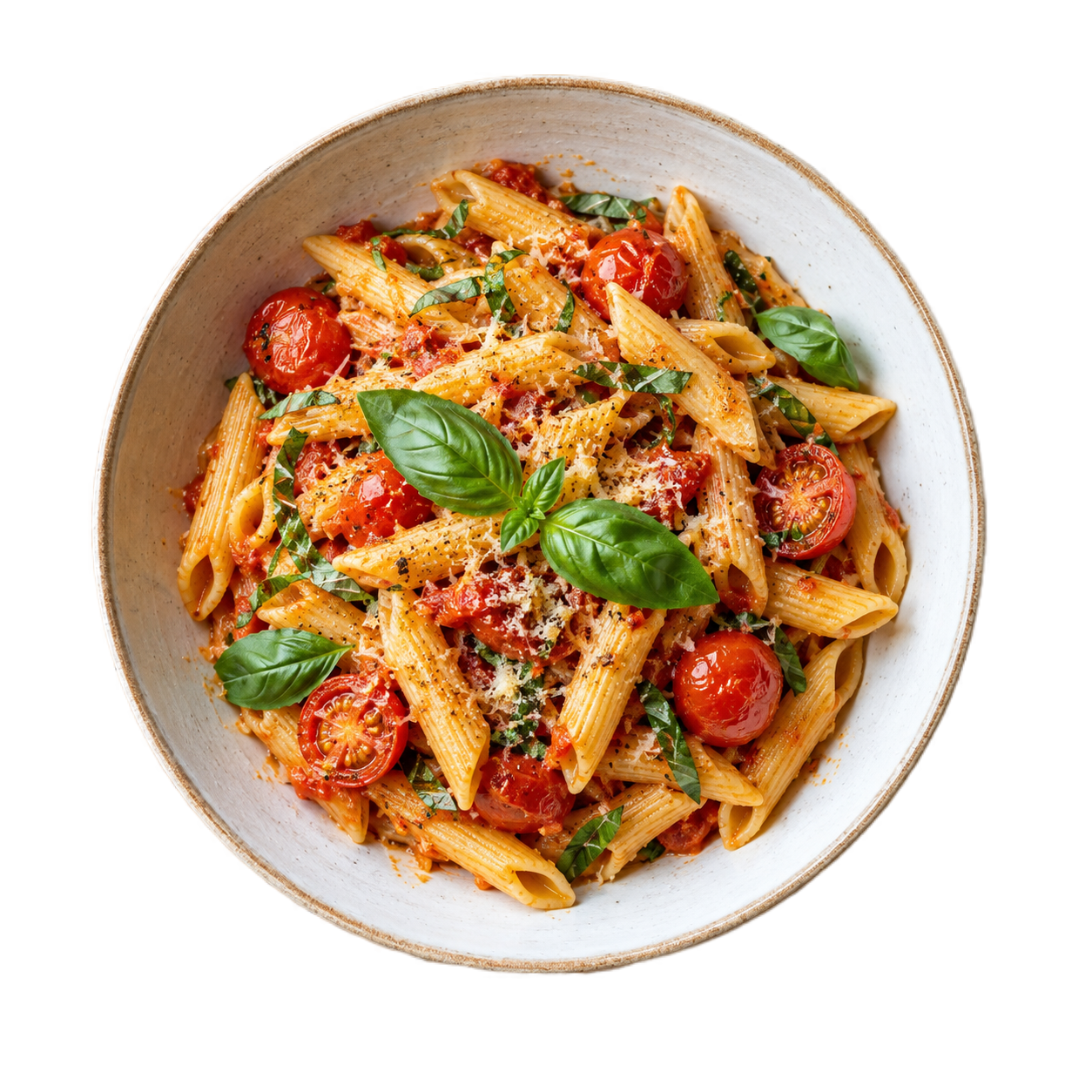 Color para menú
Convierte un logotipo en un recurso transparente
Revisa bordes de letras, iconos y líneas finas antes de colocarlo sobre un color o diseño nuevo.
Quitar fondo de un logotipo
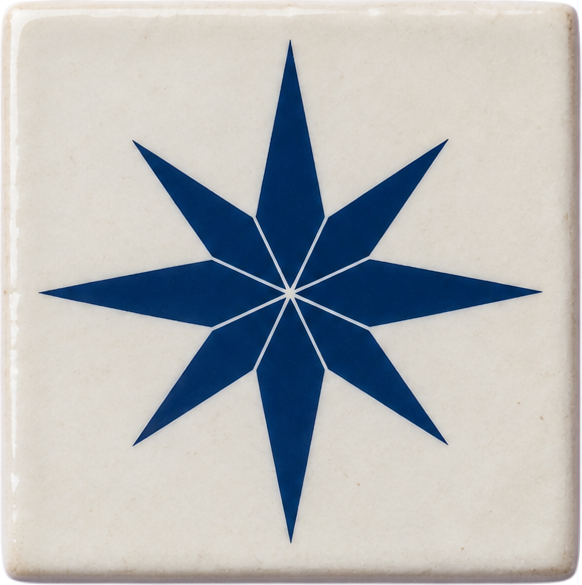 Color de marca
Questions people ask about image translation online
Use the answer that matches the file you are preparing, then open the tool when you are ready to test it.
Good inputs for image translation
Use a clear JPG or PNG with printed text, such as a product label, package, menu, sign or screenshot. The current provider route accepts files up to 4 MB and 4096×4096 pixels. Handwriting, blur, glare and decorative fonts can reduce recognition quality.
A separate workflow from Product Studio
Product Studio prepares cutouts and canvas exports. Image translation focuses on readable text and returns a translated image, so you can review language quality before placing the result into a listing or campaign.
Review before publishing
- Upload a JPG or PNG with clear printed text.
- Choose the target language.
- Compare the translated labels, numbers, units and warnings with the source.
- Download only after a human review of important product information.
Preguntas frecuentes
Respuestas breves sobre formatos, privacidad, salida y calidad de los bordes.
Which image formats are supported?
The provider route accepts JPG and PNG images up to 4 MB and 4096×4096 pixels.
Does the tool detect the source language?
Yes. The source language is detected automatically; you only choose the target language in this workflow.
Can it translate handwritten text?
Handwriting is not a supported quality target. Clear printed text is the reliable input; review every result before publishing.
How are image translation credits charged?
A completed translation uses 3 ClearBG credits. Failed provider requests are not recorded as completed output. Member batches can contain up to 20 images when the account has enough credits.
Primero revisa. Paga solo cuando la entrega lo merezca.
ClearBG AI keeps the workflow simple: choose a processing path, upload a file, review the edge and download the result. Browser processing is free and local-first; Server API processing is available when you need provider delivery, stronger output or automated capacity, with the privacy and cost boundary shown before processing.