For Amazon product photo workflows
Amazon product photo background remover
Prepare a product cutout for an Amazon listing by removing the original scene and checking the product against white and dark previews. Keep the source photo unchanged while you test.
Prepare a clean product cutout for Amazon
Create a reusable PNG preview and inspect the outline before applying Amazon’s current image requirements.
Vista previa local gratis. La primera descarga del modelo puede ser grande; después el navegador puede reutilizar la caché.
Inicia sesión con créditos para crear una cola por lotes y descargar cada resultado.
Subiendo de forma segura…
Revisa el borde antes de descargar
Revisa y descarga tus imágenes
El procesamiento en navegador mantiene el original en tu dispositivo. La API del servidor sube el archivo seleccionado al proveedor configurado. Usa una fuente clara y revisa pelo, cristal, líneas finas y bordes con poco contraste.
Compara el original, la transparencia y tus fondos
Empieza por el tipo de archivo que estás preparando y compara el original, el recorte transparente y un fondo listo para usar. Para single product photos before listing upload, el borde es lo más importante que debes revisar.
Recortes de retrato para perfiles y presentaciones
Revisa pelo, hombros y ropa antes de colocar el retrato en un perfil, diapositiva o diseño social.
Quitar fondo de una foto de persona
 Color suave de perfil
Prepara fotos de producto para tu tienda
Comprueba asas, esquinas del envase y productos claros sobre vistas transparentes y blancas.
Quitar fondo de una foto de producto
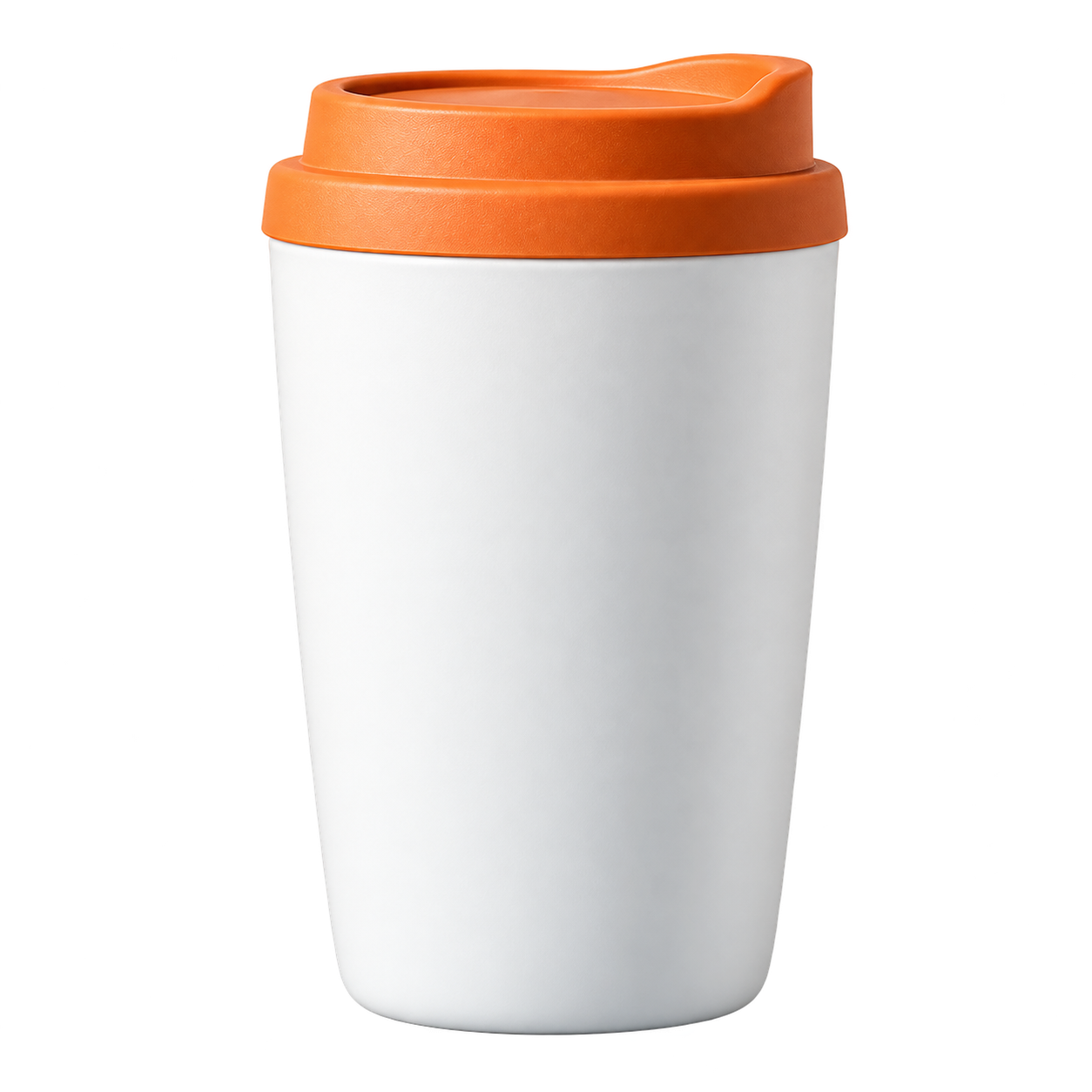 Color de catálogo
Conserva el pelo y las orejas
Usa un fondo con contraste para revisar pelo, bigotes y pequeños huecos alrededor del sujeto.
Quitar fondo de una foto de mascota
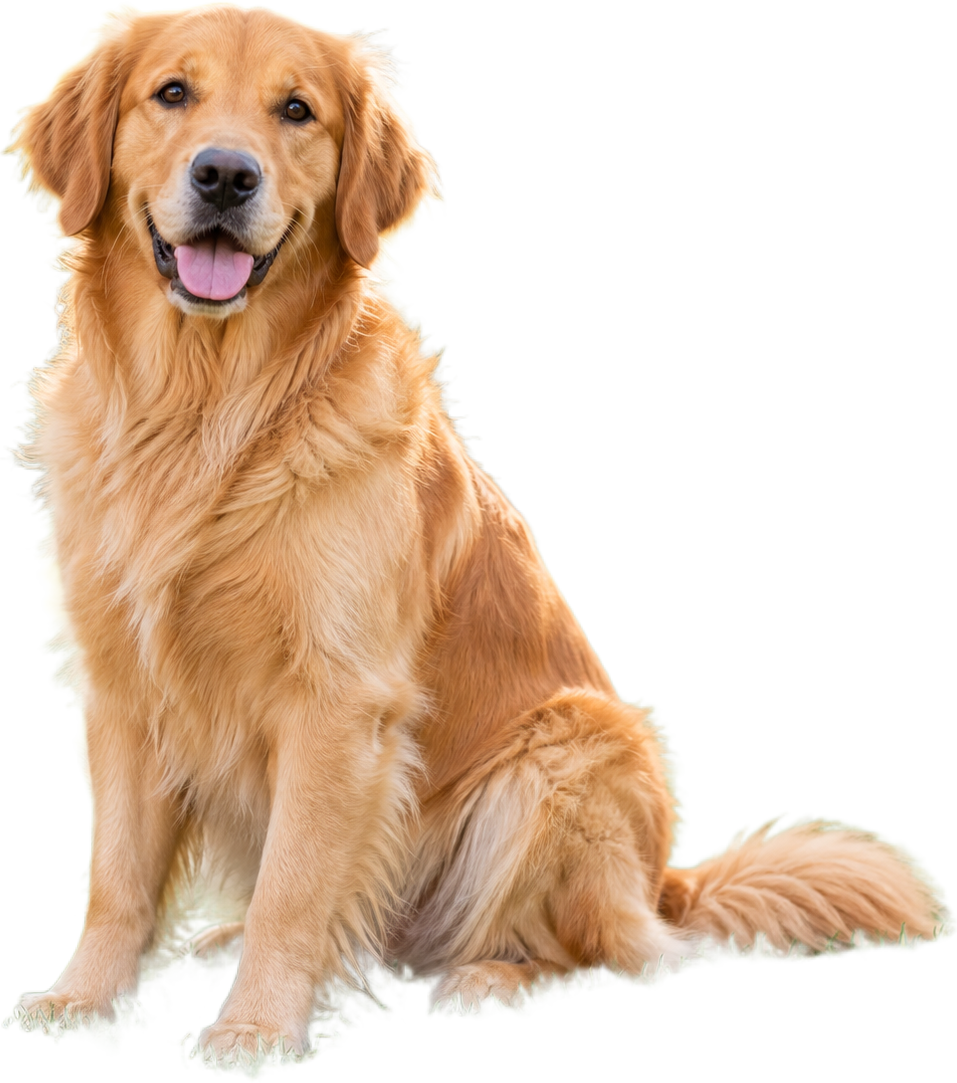 Fondo cálido para mascotas
Reutiliza mejor las imágenes de comida
Separa un plato o ingrediente de la escena para menús, publicaciones y recetas.
Quitar fondo de una foto de comida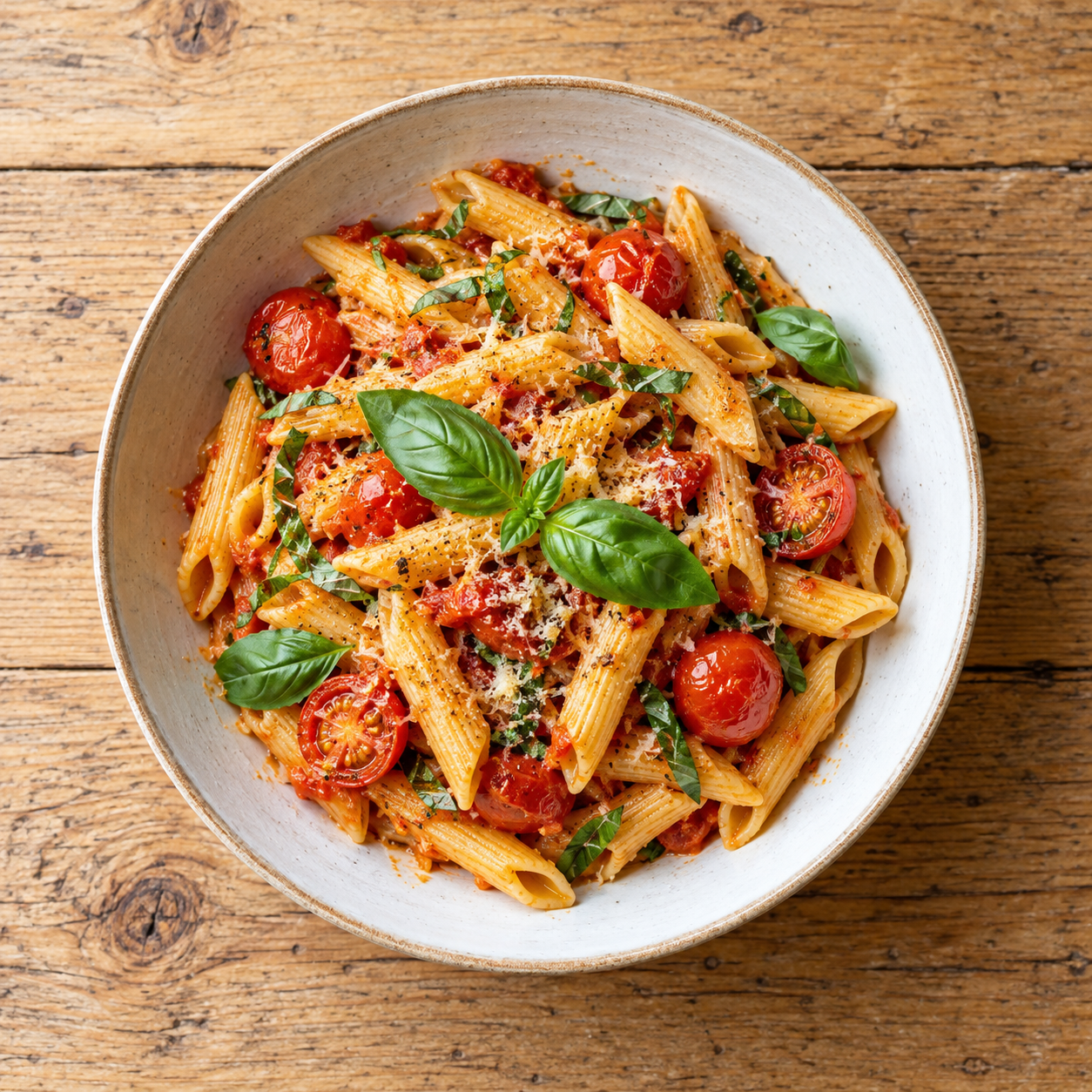
 Color para menú
Convierte un logotipo en un recurso transparente
Revisa bordes de letras, iconos y líneas finas antes de colocarlo sobre un color o diseño nuevo.
Quitar fondo de un logotipo
 Color de marca
Prepare the file, then review the result
Every page starts from the same practical decision: what are you preparing, what edge needs checking, and where will the exported copy go next?
- 01
Upload a copy of the product photo.
- 02
Run the background-removal preview.
- 03
Check the product on white and black backgrounds.
Background removal for Amazon product images
Use the answer that matches the file you are preparing, then open the tool when you are ready to test it.
How to remove a background from an Amazon product photo
- Upload a copy of the product photo.
- Run the background-removal preview.
- Check the product on white and black backgrounds.
- Confirm dimensions, margins, crop and category rules in Seller Central before publishing.
Why a white preview needs a dark edge check
White packaging, silver parts and pale labels can blend into a white background. Use the dark preview to find missing product details or a pale halo, then return to white for the listing preview.
Does a background remover make an Amazon listing compliant?
No single tool can decide every current Amazon category rule. ClearBG AI creates a cutout preview; the seller still needs to check the destination marketplace, image size, crop, margins and any category-specific requirements.
Preguntas frecuentes
Respuestas breves sobre formatos, privacidad, salida y calidad de los bordes.
Can I use ClearBG AI for Amazon product photos?
Use it to create and inspect a product cutout preview. Check Amazon’s current Seller Central requirements before uploading the final listing image.
Should an Amazon product image have a white background?
Many listing workflows use white backgrounds, but requirements vary by category and marketplace. Confirm the rule for the listing you are preparing.
Will the tool add a product shadow?
Shadow creation is not part of the first focused version. Add a shadow only if the destination workflow calls for it.
Can I publish the result directly to Amazon?
Use the result as a preparation copy, then verify the current marketplace, category, image-size, margin and background requirements before publishing.
Does the tool remove a product reflection?
Background removal is not the same as reflection cleanup. Inspect reflective products separately and use a retouching step when the reflection affects the listing.