Product image preparation
Product Studio for cleaner product images
Prepare product images in a repeatable flow: remove the background, fit the cutout to a canvas, export a clean copy, or send packaging text through the separate image-translation workflow.
Remove the background, then set the canvas
Create a separate product-image copy with a transparent or solid background and a predictable canvas size.
Free local preview. The first image model download can be large, then the browser can reuse its cache.
Sign in with processing credits to build a batch queue and download each result.
Uploading securely…
Check the edge before download
Review and download your images
Browser processing keeps the original image on your device. Server API processing uploads a JPG, PNG, WebP or BMP to the selected provider route. Start with a clear source image and inspect hair, glass, thin lines and low-contrast edges before using the result.
Choose the background removal workflow
Compare original, transparent and custom backgrounds
Start with the kind of file you are preparing, then compare the three outcomes that matter: the source image, a transparent cutout and a ready-to-place custom background. For Create a separate product-image copy with a transparent or solid background and a predictable canvas size., the edge is the part worth checking.
Clean portrait cutouts for profiles and presentations
Review hair, shoulders and clothing edges before placing a portrait on a profile, slide or social layout.
Remove a person photo background
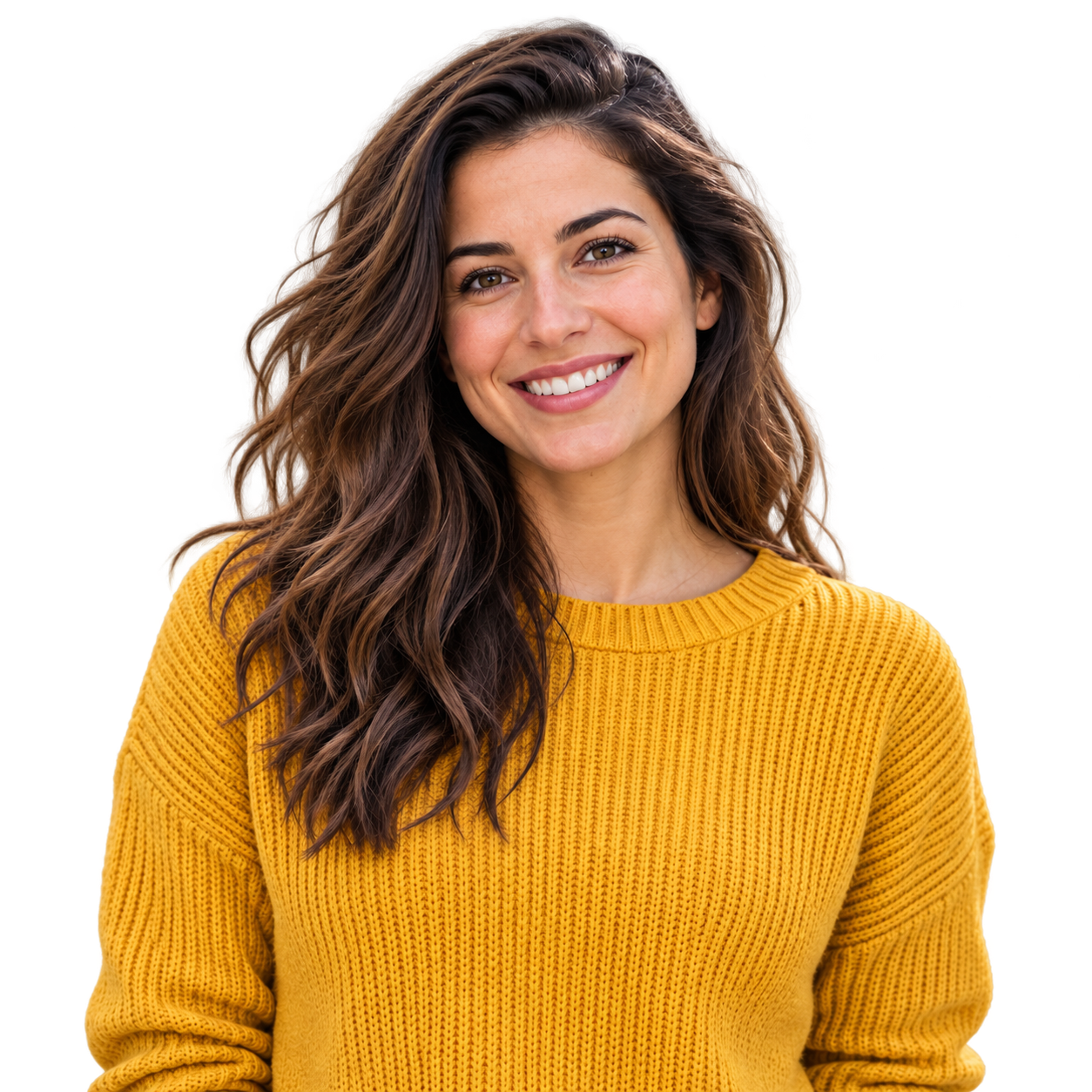 Soft profile color
Prepare product photos for store listings
Check handles, packaging corners and light-colored products against both transparent and white previews.
Remove a product photo background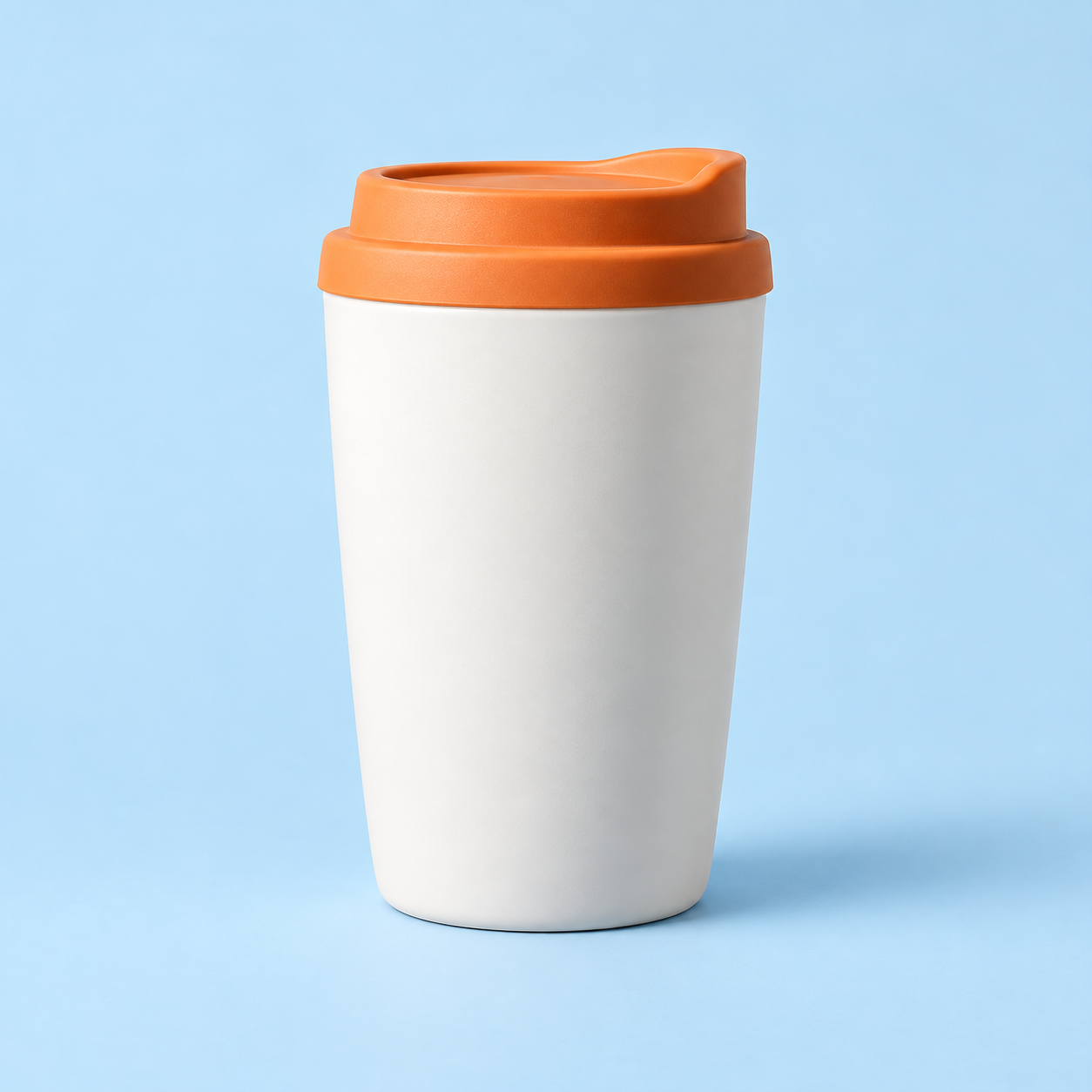
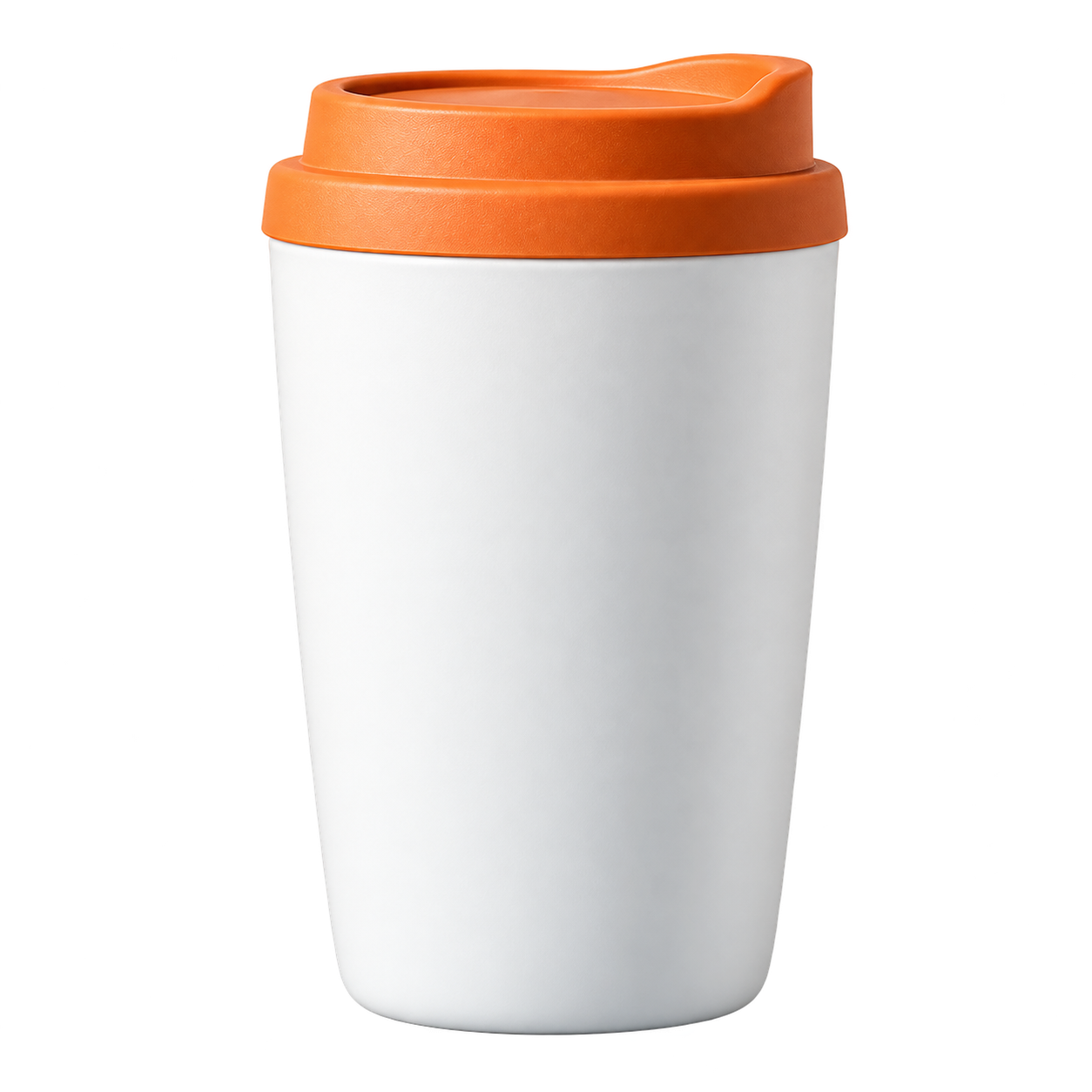 Catalog-ready color
Keep fur and ears visible in pet cutouts
Use a contrasting preview background to inspect fur, whiskers and small gaps around the subject.
Remove a pet photo background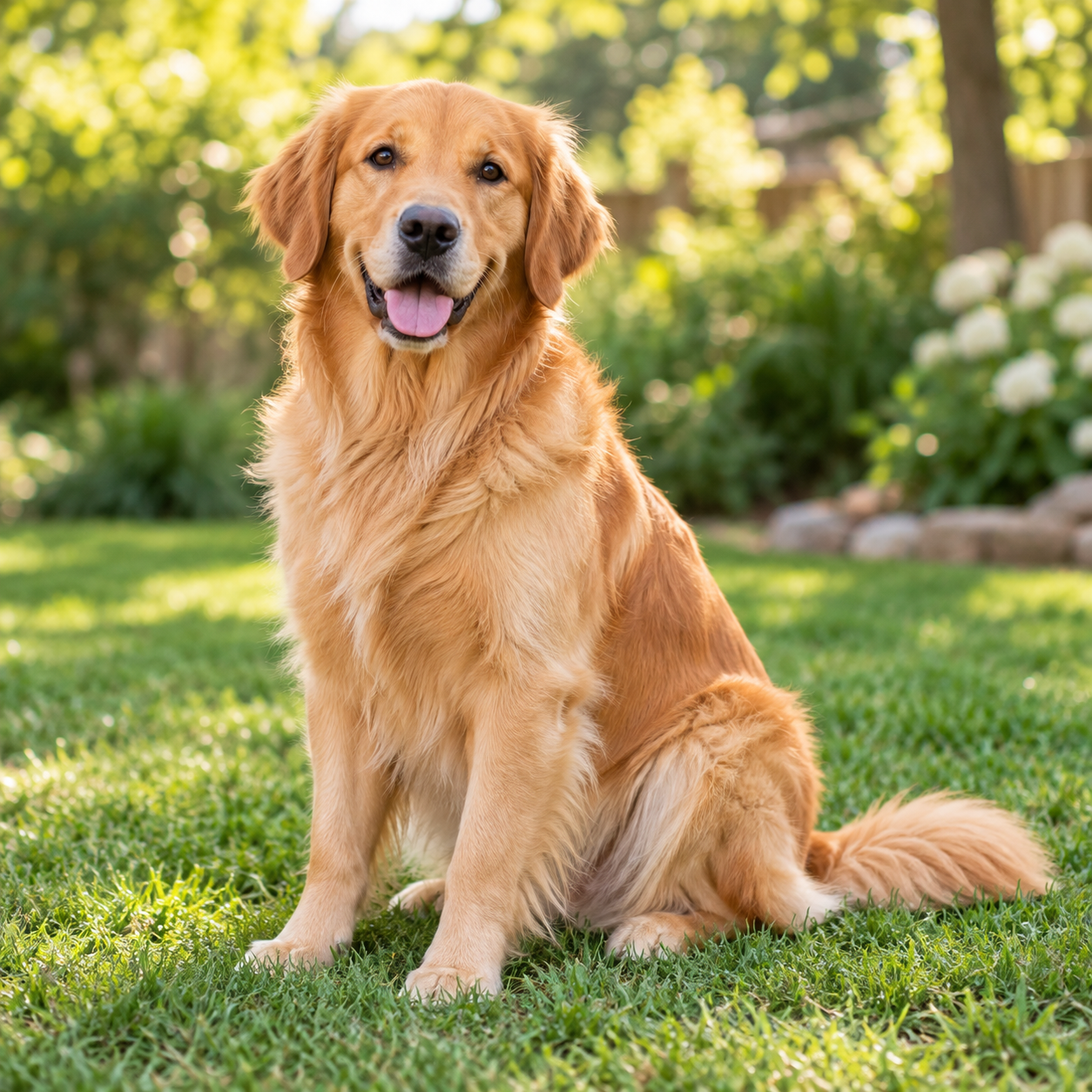
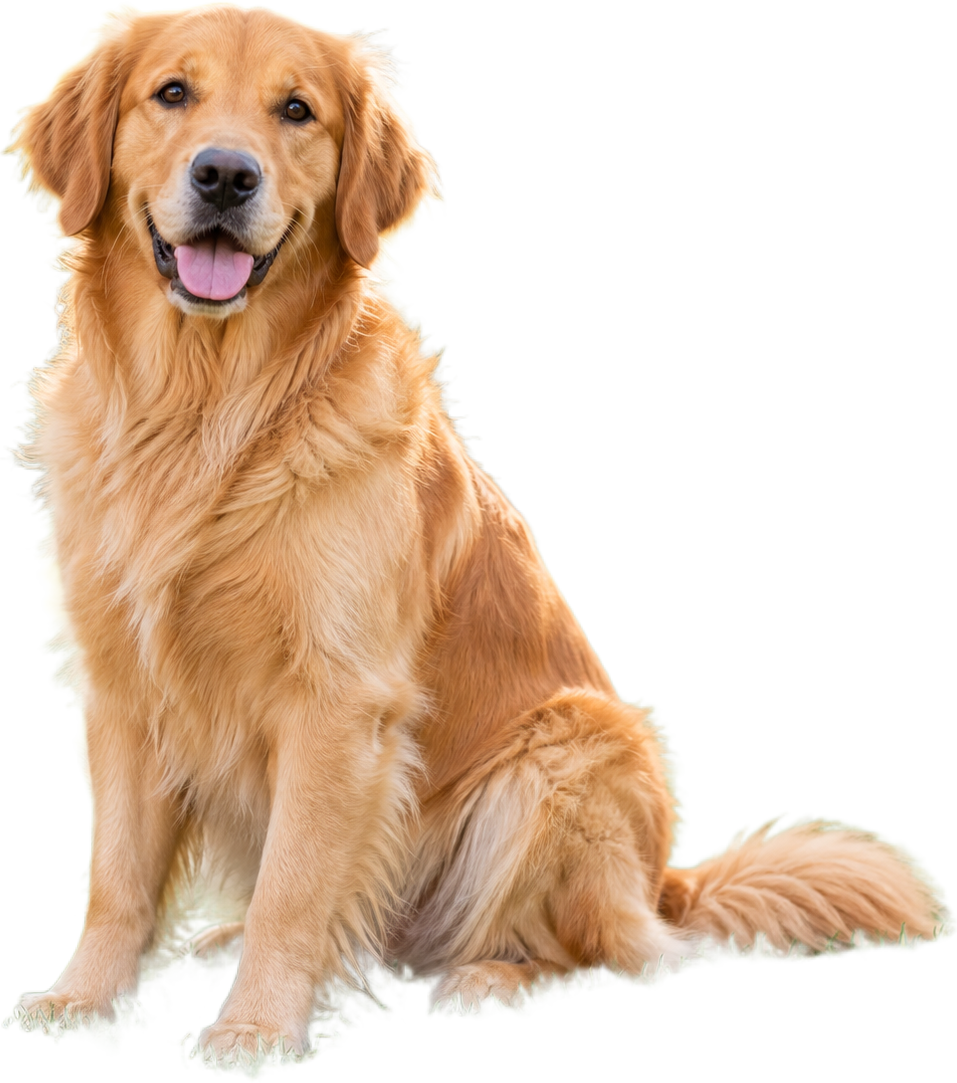 Warm pet backdrop
Make food images easier to reuse
Separate a dish or ingredient from the original scene for menus, posts and recipe layouts.
Remove a food photo background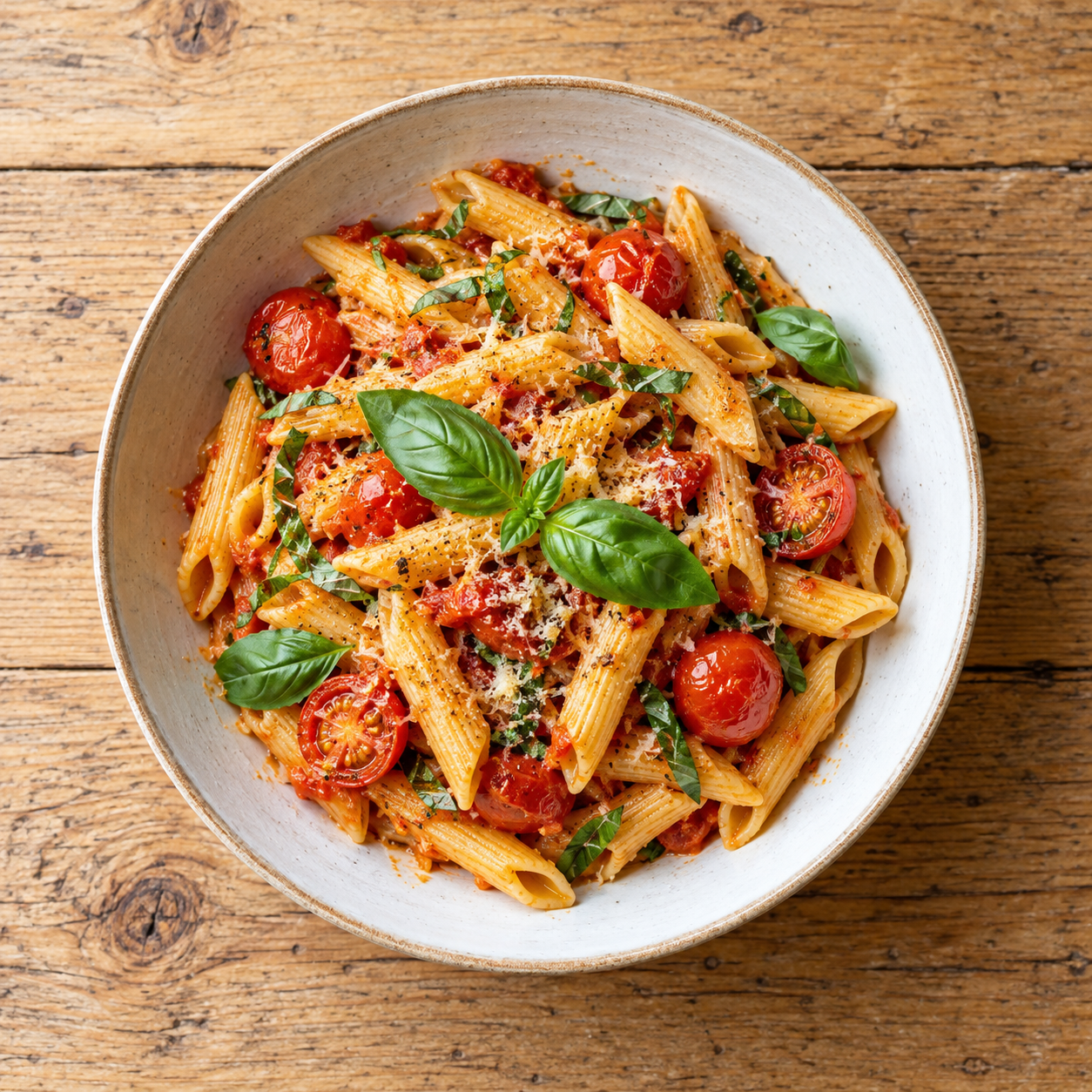
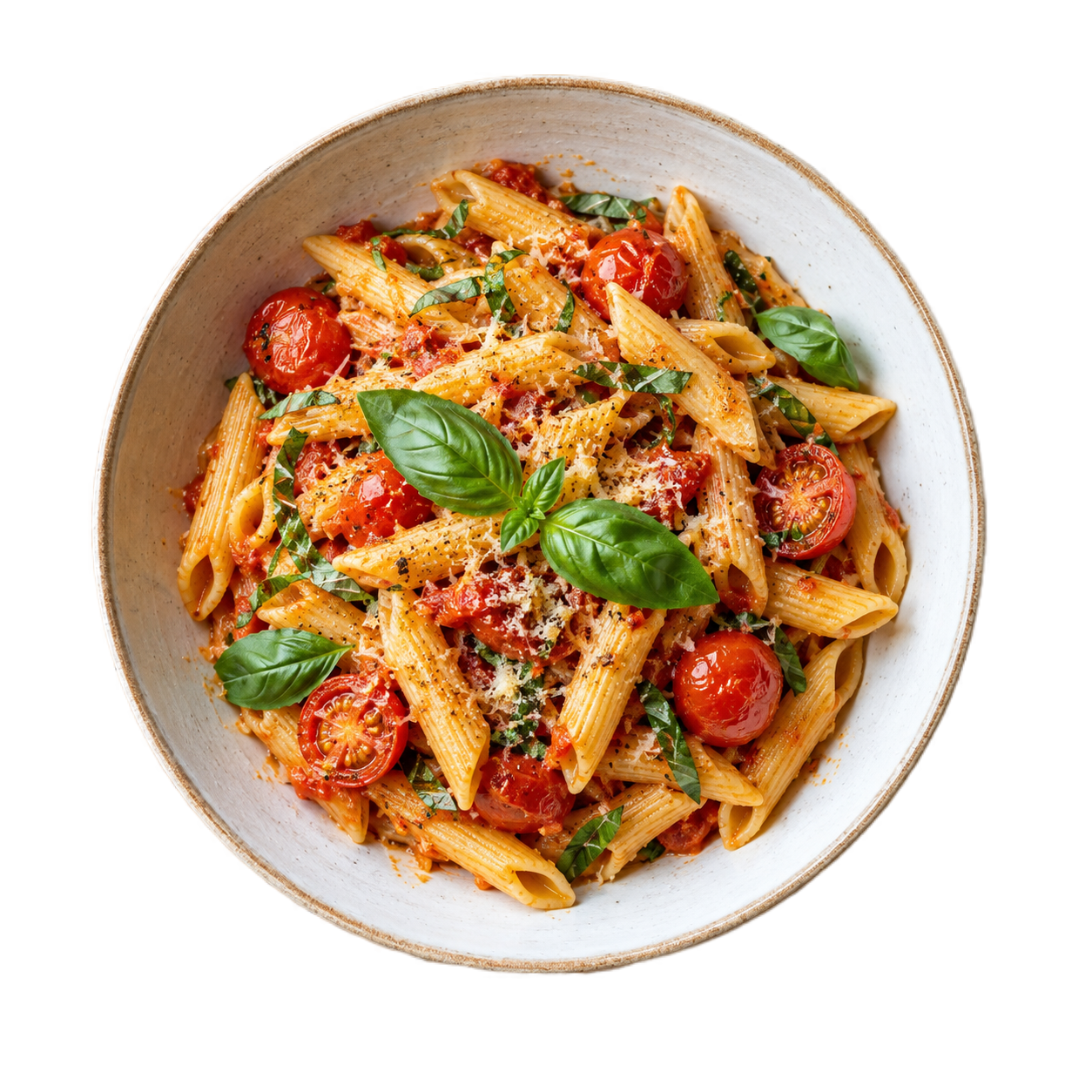 Menu-ready color
Turn logo artwork into reusable transparent assets
Inspect letter edges, icons and thin marks before placing a logo on a new color or layout.
Remove a logo background
 Brand color
Questions people ask about product image studio
Use the answer that matches the file you are preparing, then open the tool when you are ready to test it.
What Product Studio does today
Product Studio combines background removal with a contain-fit canvas and batch queue. Choose a square, landscape or portrait canvas, select a transparent or solid output, inspect the product edge, and download separate results or a ZIP. The original files are not overwritten.
When to translate packaging text
Use the image translation workflow for clear JPG or PNG product labels, screenshots and packaging. It detects the source language automatically and returns a translated image; the provider limit is 4 MB and 4096×4096, so large catalog images should be resized or exported separately first.
Review before publishing
- Upload a clear product image or a copy of the source.
- Choose Browser processing for a local preview or Server API for provider delivery.
- Choose a canvas size and preview background.
- Check packaging text, logos, reflections and edges before downloading.
Frequently asked questions
Short answers about formats, privacy, output and edge quality.
Does Product Studio translate product images?
Use the separate Image translation workflow for clear JPG or PNG packaging and product-label images. Product Studio keeps its canvas and cutout output focused so translation can be reviewed independently.
Does Product Studio generate a new product scene?
Not yet. It keeps the product and uses a transparent or solid canvas. AI scene generation remains a later, separately gated feature.
Does the studio change my original file?
No. The browser creates a separate download copy. Keep the source file until the final export has passed your own listing checks.
What canvas sizes are available?
The studio provides original dimensions, square 2000×2000, landscape 1600×1200 and portrait 1200×1600 canvas presets. You can also process a member batch and choose PNG, JPEG or WebP output. These are preparation presets, not a guarantee of any marketplace policy.
Preview first. Pay only when delivery is worth it.
ClearBG AI keeps the workflow simple: choose a processing path, upload a file, review the edge and download the result. Browser processing is free and local-first; Server API processing is available when you need provider delivery, stronger output or automated capacity, with the privacy and cost boundary shown before processing.